Face Tracking Setup is a tool which automates the tedious setup process from the VRCFaceTracking wiki.
The tool is split up into 4 components so you can easily adjust to your own hardware capabilities.
- Eye Tracking
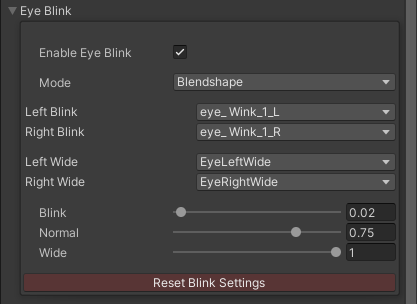
- Eye Blink
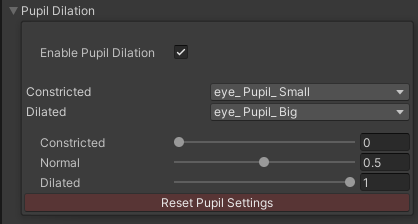
- Pupil Dilation
- Mouth Tracking
Each component allows you to easily tweak the settings to your needs.
- Download the latest stable release.
- Import the unitypackage.
- Create an empty GameObject in your scene.
- Add the "FaceTrackingSetup" component to it.
- An avatar capable of face tracking (blendshapes, eyebones etc)
- Mouth parameter optimization by utilizing the "combined parameters".
- Binary parameter support for the Mouth Tracking.
- Base

- Eye Tracking

- Eye Blink
- Pupil Dilation
- Mouth Tracking

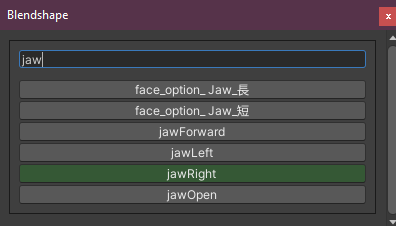
- Custom Blendshape Selection Menu