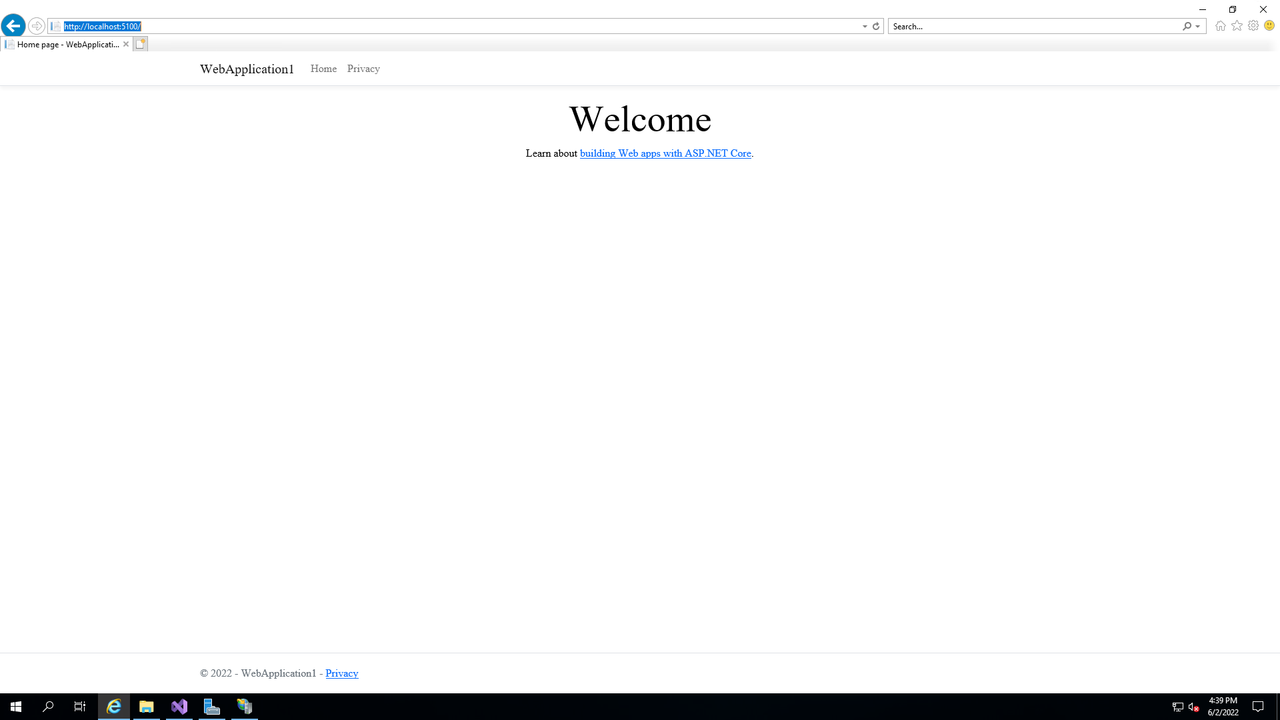
followd this guide :https://docs.microsoft.com/en-us/visualstudio/get-started/csharp/tutorial-aspnet-core?view=vs-2022
install VS> Create New Project> (ASP.NET Core Web App)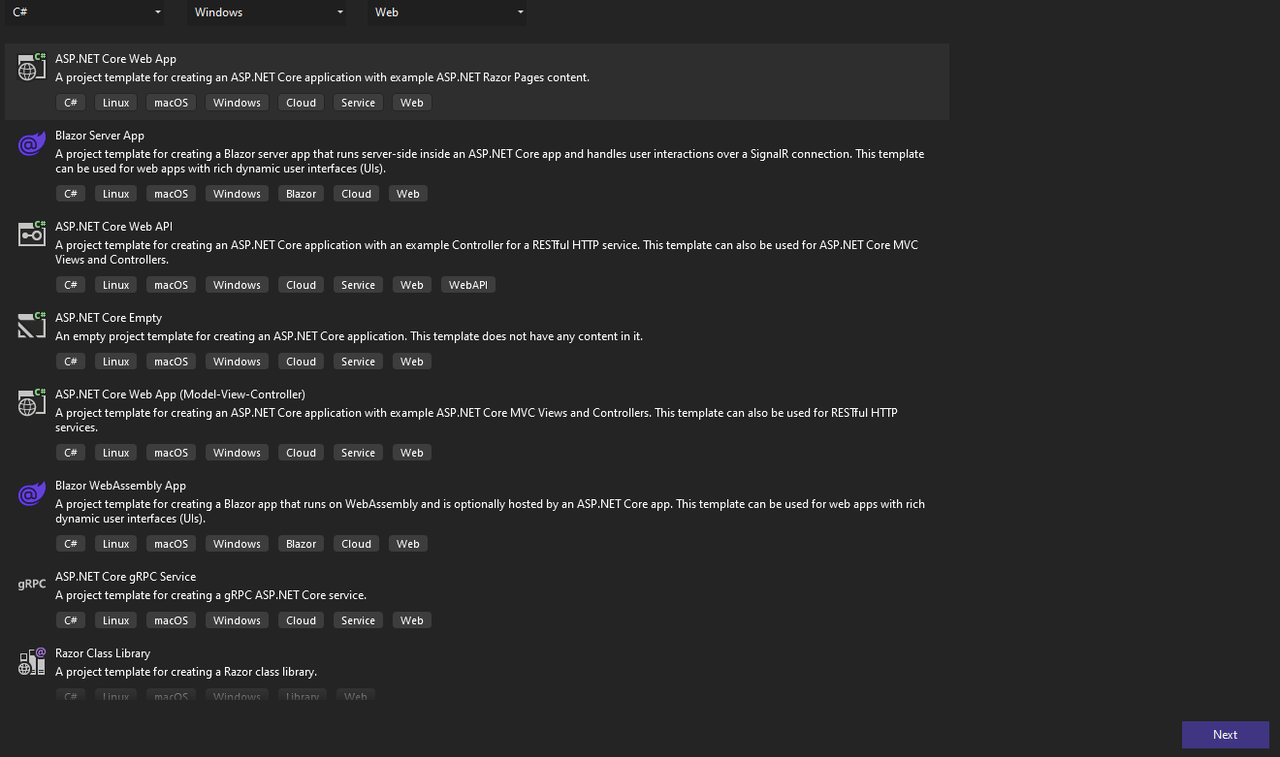 in C# for windows platform for web.>assign a project name> Choose .NET 6.0 Framwork
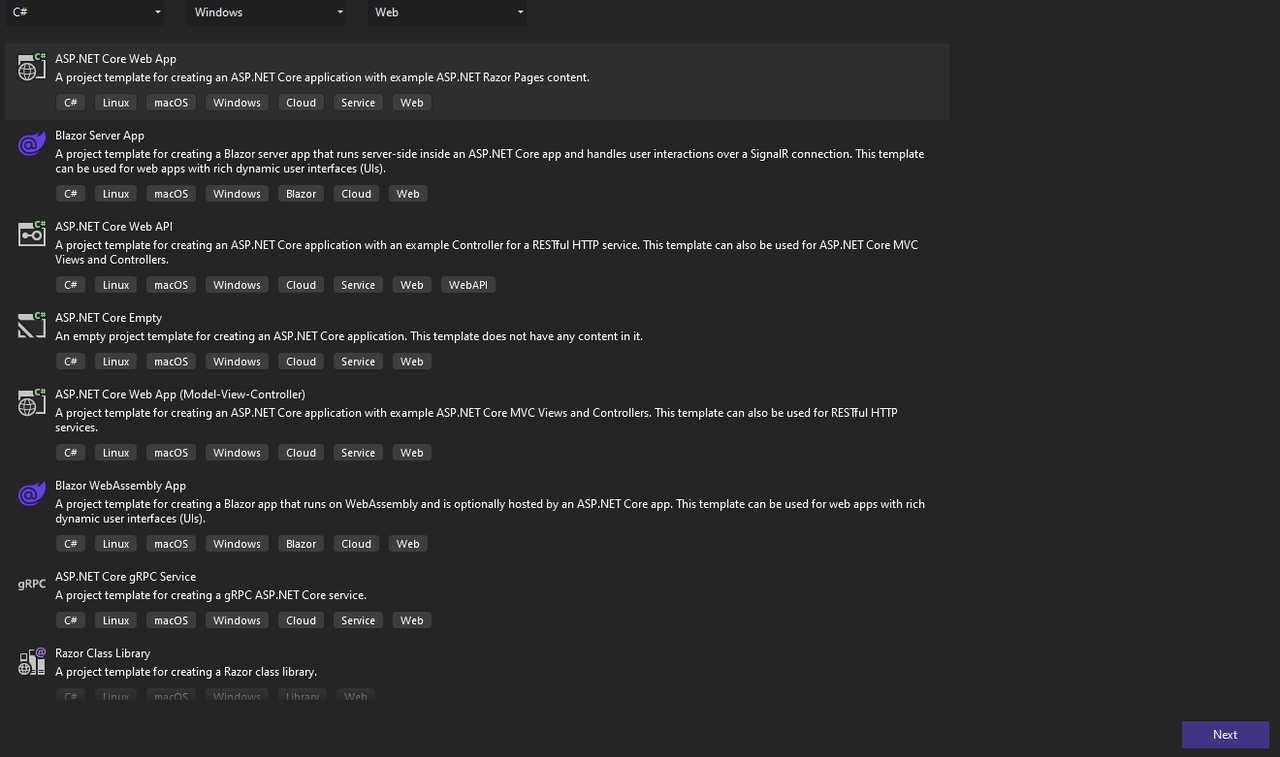
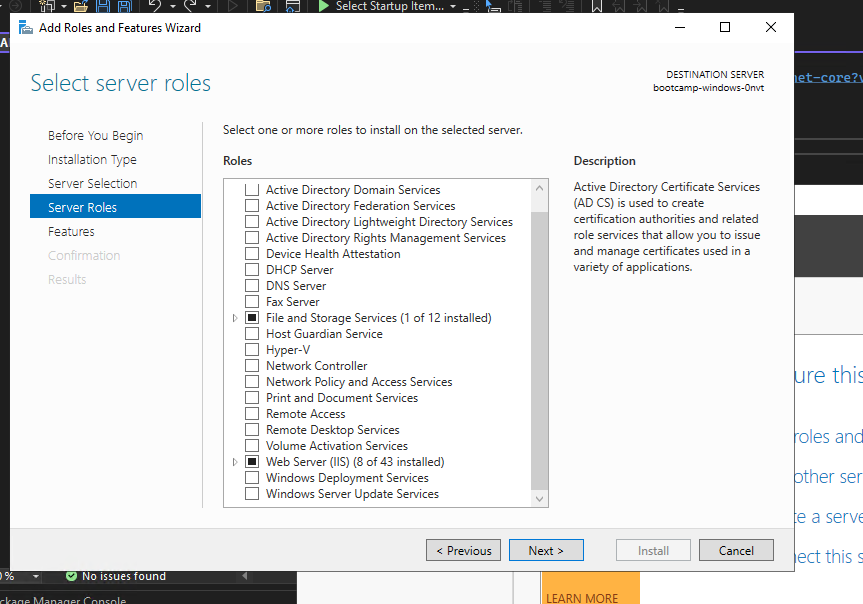
then we go to 'server manager' or to type 'Turn Windows features on or off' in search > add Web Server (IIS) functionality. 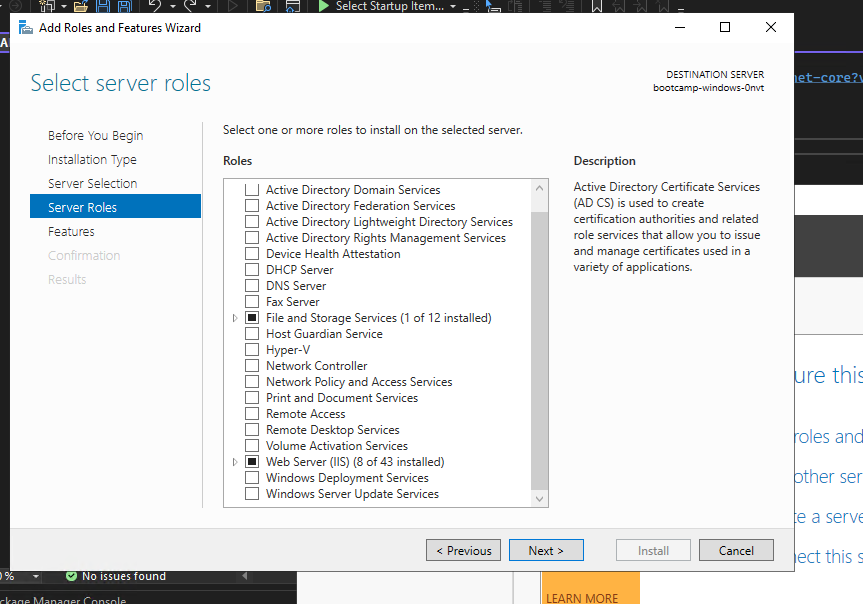 .
.
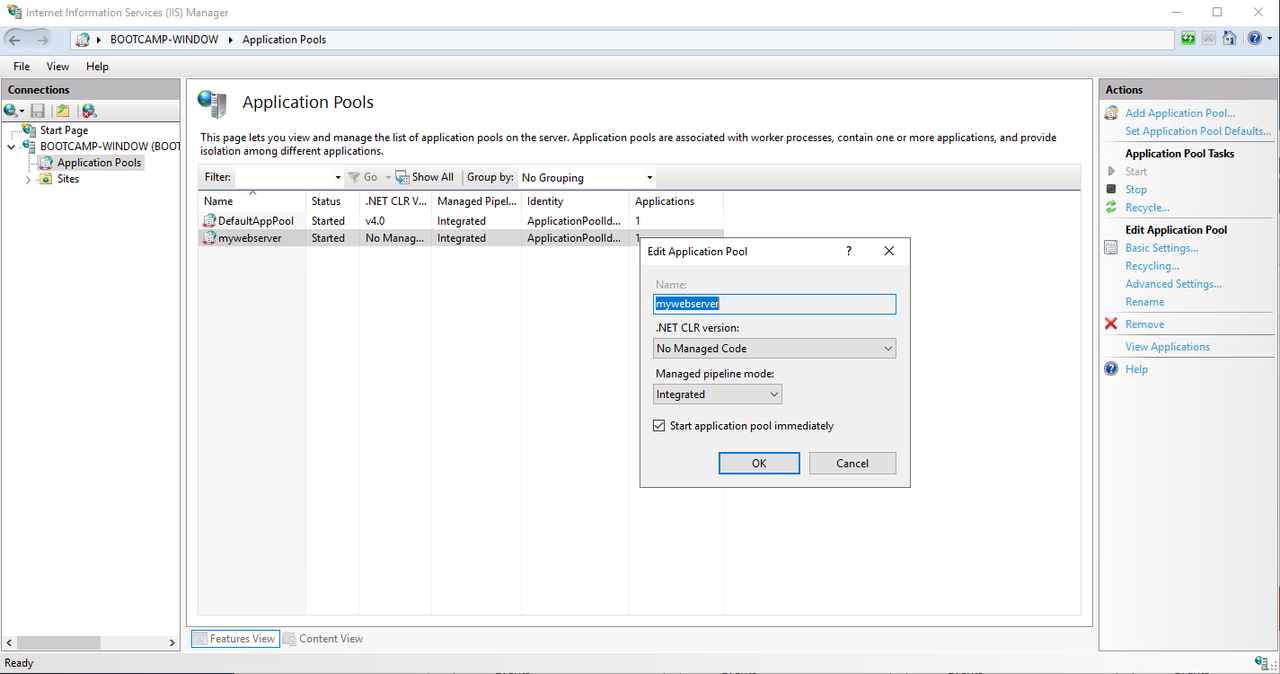
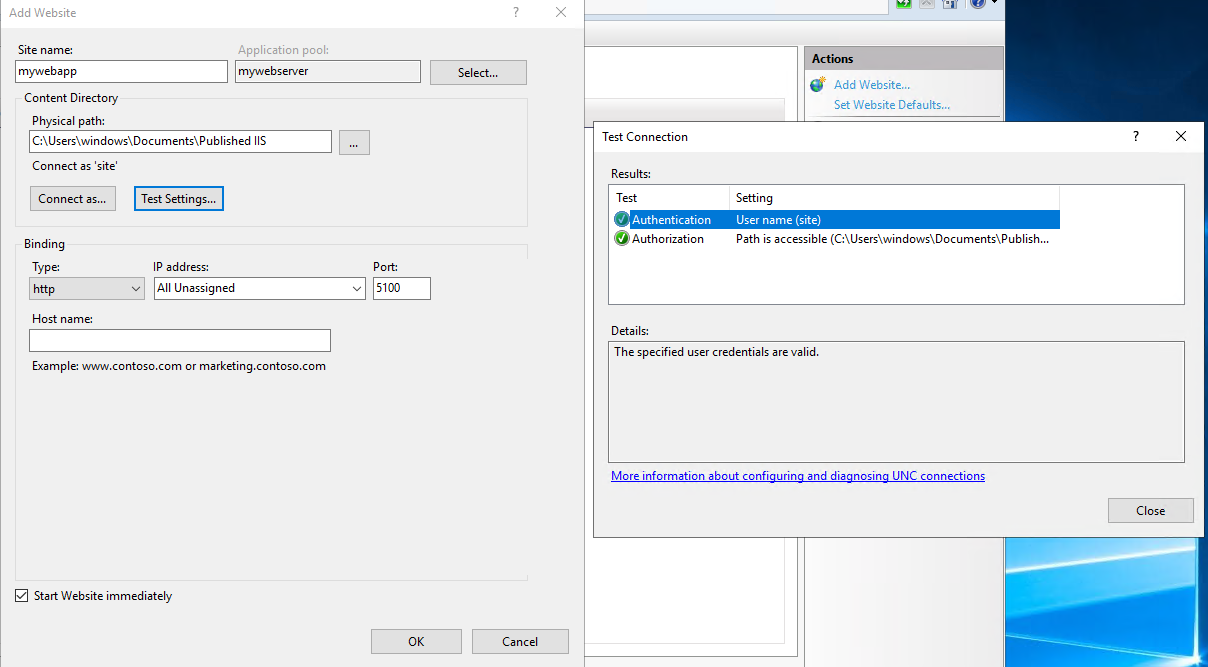
right click on sites and create add website> name the site> select previously created pool and assign path to app (i created new user for the sole purpose of the site)>test settings> bind address and port. 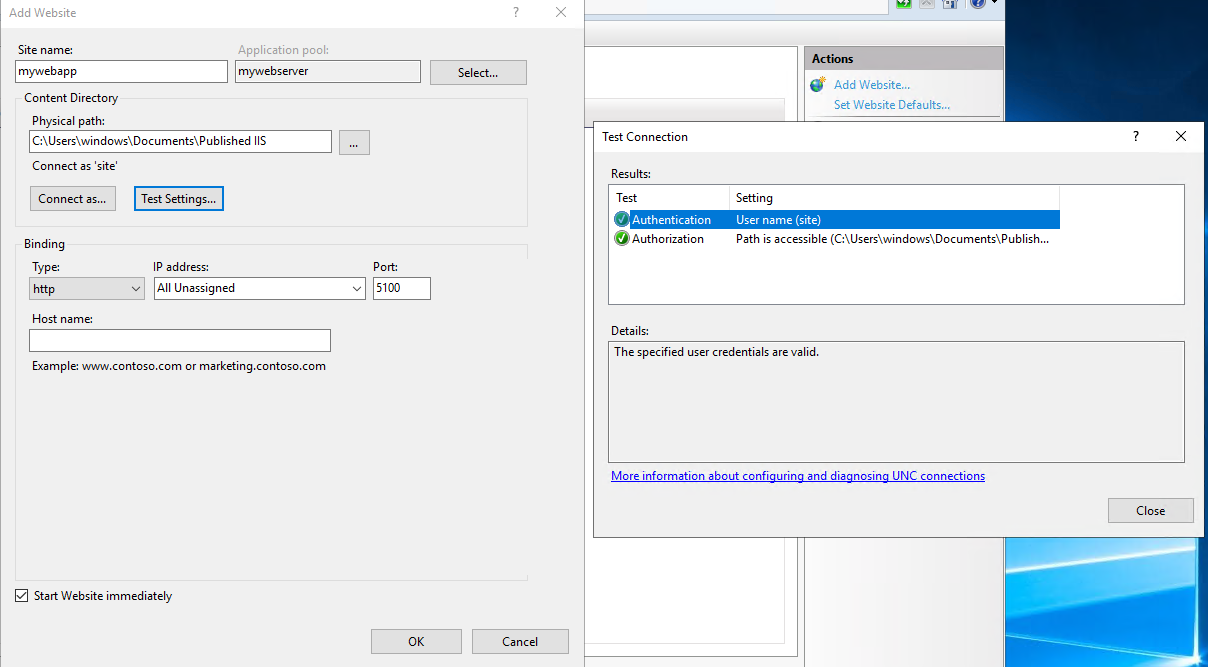 .
.
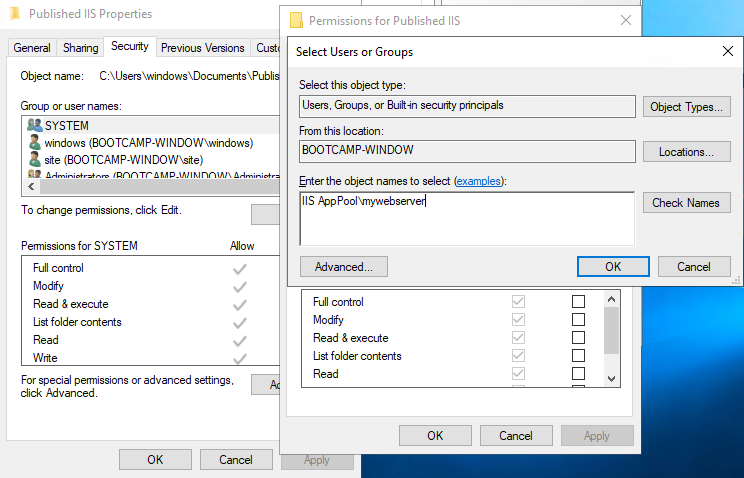
go to the site folder location and right click> properties> security >edit and add the 'IIS AppPool<myappoolname>'