
Open an installed Android app in a Windows window over USB.
English · Español
0.1.0-beta · Download installer or portable ZIP · Source repository · Apache-2.0
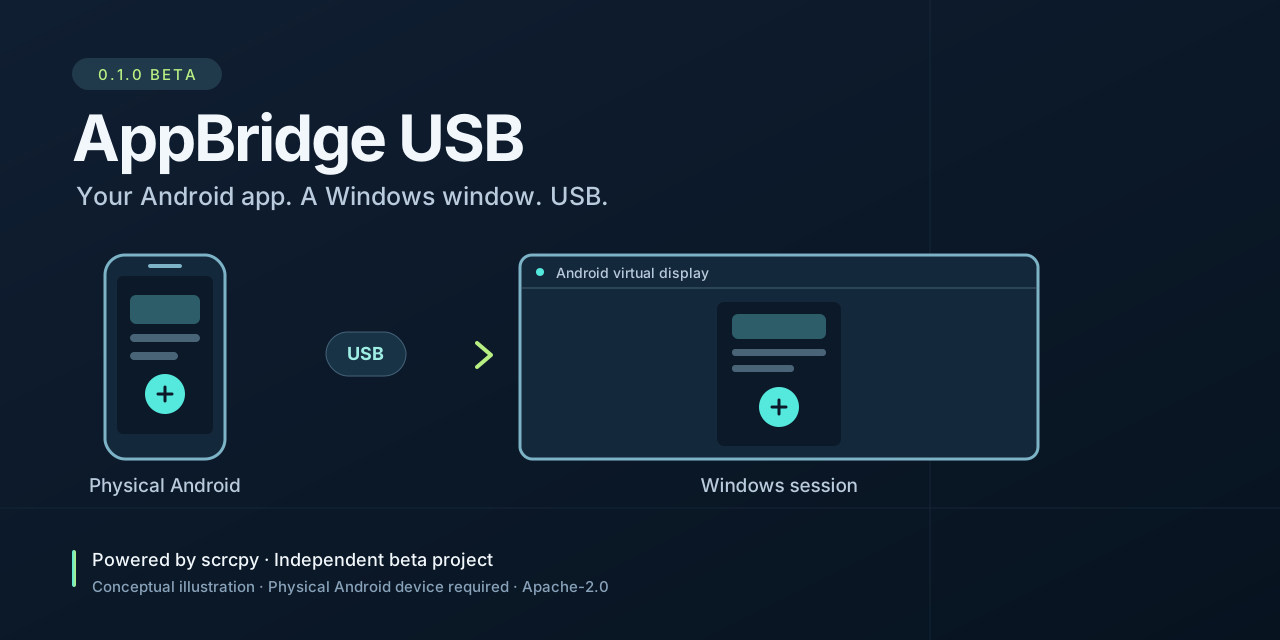
Original conceptual illustration. A connected Android phone runs the app; scrcpy provides the display, input and audio engine.
AppBridge USB is a Windows launcher for a physical Android device. Choose a connected phone and an installed package, then open that app on a separate Android virtual display. The phone runs the app; Windows provides the viewing and control window. A connected, authorized phone is required throughout the session.
The display, input and audio engine is scrcpy, by Genymobile, Romain Vimont and contributors. AppBridge USB adds its own setup interface, device and package selection, and session controls. It is an independent project and does not imply endorsement by scrcpy or any Android app provider.
- Select an authorized USB device and an app already installed on it.
- Create a separate virtual display using the phone's reported size and density, starting in portrait orientation.
- Start in fullscreen, optionally turn off the phone's physical panel, and forward device audio.
- Press F12 to enter fullscreen and Esc to leave it while the session window is active.
- Optionally restart the selected Android app to apply its display scale.
- Prepare the pinned official scrcpy components on request, with a SHA-256 check.
The beta requires Android hardware; it does not emulate Android or convert an Android app into a standalone Windows program. It includes no APKs, app accounts, channels or streams, and does not change an app's authentication, subscription or content protection.
| Component | Beta requirement |
|---|---|
| Computer | Windows 11, x64 |
| Runtime | .NET Framework 4.8 or a compatible newer 4.x runtime |
| Android | Physical device running Android 12 / API 31 or newer |
| Connection | USB data cable; USB debugging enabled and this computer authorized |
| Android app | Already installed, with access supplied by its own provider |
| Internet | Required to prepare scrcpy components; individual Android apps may also require it |
Some manufacturers require an additional ADB USB driver or permission for keyboard and mouse control. Follow the Android device setup instructions and your device manufacturer's instructions. Android Studio is not required to use AppBridge USB.
Android 12 is this beta's minimum target, not a promise that every device or app works. Virtual displays, input, orientation, audio capture and protected video depend on the app, Android build and manufacturer.
Download the Windows x64 installer or portable ZIP from GitHub Releases, or build from source:
- Install the setup package, or extract the entire portable ZIP to a writable folder. Keep
AppBridge.exeandAppBridgeControls.exetogether. - Open
AppBridge.exeand select Prepare components. This explicitly requests the official scrcpy download. Wait for verification and extraction. - Enable USB debugging on the phone, connect a USB data cable, unlock it and accept its authorization prompt for this computer.
- Select Refresh devices, choose the phone, then select List apps. Choose an installed Android package or enter its package identifier.
- Review Fullscreen, Turn phone screen off and Forward device audio, which are enabled initially. Restart app to apply scale is optional and initially disabled; it force stops the selected app before launch and may interrupt unsaved work.
- Select Start USB session. Close the session window to end it. Closing the launcher leaves an existing session running.
F12 and Esc apply to the active session window. Esc leaves fullscreen; it does not close the app or end the session.
Turning the phone panel off is different from locking it with a PIN. Unlock the phone normally when Android requests authentication. Locking the device may interrupt an app or the session; AppBridge USB does not bypass the lock screen. The physical power button can turn the panel back on. See scrcpy's screen power documentation.
Forward device audio captures the device's system audio output, which can include other apps and notifications, rather than only the selected virtual display. Review what is playing before starting. Android 12 supports this capture path, but apps, protected content and manufacturer behavior can limit the result. See scrcpy audio documentation.
If the package com.msandroid.mobile is already installed, List apps makes Use XuperTV available as a selection shortcut. It is optional. AppBridge USB does not supply the APK, an account, content, or a connection to its provider. Availability and permitted use are determined by that app and its provider.
The AppBridge USB installer and portable archive contain eight payload files: AppBridge.exe, AppBridgeControls.exe, their two .config files, README.md, README.es.md, LICENSE and THIRD_PARTY_NOTICES.md. The installer uses NSIS and creates its own uninstaller. Android tooling is obtained separately after Prepare components is selected:
| Item | Pinned source |
|---|---|
| scrcpy | Official Genymobile release v5.0.1 |
| Windows archive | scrcpy-win64-v5.0.1.zip |
| SHA-256 | b12a2c4ee8be317422451fc7dcf8ee20a71b5ea7ef9ad73ddd825a25316227a5 |
| Expected hash reference | Upstream Windows instructions for v5.0.1 |
| Runtime location | %LOCALAPPDATA%\AppBridgeUSB\runtime |
The download goes directly to the official upstream release; AppBridge USB does not host a repackaged scrcpy build. A checksum mismatch stops preparation. The local runtime contains the scrcpy/ADB components and their supporting libraries, with separate upstream licensing; see Third party notices.
Device and package discovery use local ADB commands. The beta does not offer recording or automatic clipboard synchronization. USB debugging gives the authorized computer significant access to the phone: authorize computers you trust and revoke authorization on the phone when it is no longer needed.
The per-user installer targets %LOCALAPPDATA%\Programs\AppBridgeUSB, creates a Start menu shortcut and offers an optional desktop shortcut. Remove it through Windows Installed apps or its uninstaller. The portable edition runs from its extracted folder.
The beta is unsigned; no code signing or certification is claimed.
Uninstalling preserves the separately downloaded runtime. To remove those components too, first close AppBridge USB and its session windows, then remove %LOCALAPPDATA%\AppBridgeUSB\runtime. AppBridge USB does not uninstall or erase the Android apps on the phone.
| Symptom | Next step |
|---|---|
| Components are missing | Select Prepare components and check the network connection. A failed hash check must be resolved before using the archive. |
| No USB phone appears | Unlock the phone, confirm USB debugging authorization, try a data cable or another USB port, and check the manufacturer's ADB driver. |
| Device is unauthorized or offline | Reconnect it and accept the authorization prompt on the phone, then refresh the list. |
| App is missing | Confirm that it is installed for the active Android user and select List apps again. AppBridge USB does not install APKs. |
| Blank, blocked or incomplete app window | The app or device may restrict virtual displays or protected content. Include this limitation in a compatibility report. |
| Wrong scale after launch | End the session and try Restart app to apply scale. This restarts the selected app. |
| No audio | Check the phone/app volume and the audio option. Capture may be restricted; compare with the upstream audio documentation. |
| Phone locks during use | Unlock it on the phone. Panel off does not disable Android's authentication requirements. |
For feedback, include the AppBridge USB version, Windows version, phone model, Android version, app package, selected options and a concise description. Remove device serials, account details and private content. The source tree contains CONTRIBUTING.md and SECURITY.md with contribution and security reporting guidance.
| Check | Observed result |
|---|---|
| Local compilation of both executables, installer and portable ZIP | Successful |
| Launcher interface without a connected phone | Opened and observed |
| Android session through the new launcher interface | Not yet verified |
| Installer installation and uninstallation | Not yet observed |
| Initial GitHub Actions build | Successful |
These observations do not establish compatibility with any particular Android app or device. See detailed release checks for the recorded scope and remaining checks.
Use Windows PowerShell with the Windows .NET Framework compiler available. The sources target .NET Framework 4.8, x64 and C# 5. From the repository root:
.\scripts\build.ps1The application outputs are build/app/AppBridge.exe and build/app/AppBridgeControls.exe. No scrcpy download is needed to compile the launcher.
To create distribution packages, obtain the NSIS build tool from its official project and supply its compiler path:
.\scripts\package.ps1 -MakeNsisPath 'C:\Tools\NSIS\makensis.exe'The outputs in dist/ are AppBridgeUSB-0.1.0-beta-win64-setup.exe and AppBridgeUSB-0.1.0-beta-win64-portable.zip, plus a payload manifest and SHA256SUMS.txt. Building a package does not by itself verify installation, removal or compatibility with a device. The source tree also contains CHANGELOG.md, installer/TOOLCHAIN.md and the release and community plan in docs/LAUNCH.md.
The project's original code, documentation and artwork are licensed under Apache License 2.0, copyright 2026 HackingByJT and contributors. Separate downloaded components retain their own licenses.
AppBridge USB depends on the work of the scrcpy project, Android Open Source Project / ADB, FFmpeg, SDL and libusb. Please visit and credit those projects. Their licenses and the role of NSIS are described in THIRD_PARTY_NOTICES.md.