
A modern Rust implementation of Archify for removing unnecessary ARM64e/ARM64 code from macOS universal binaries. This tool helps reduce disk space usage by removing unwanted architectures from applications.
- Reclaim Disk Space: Easily remove unused binary architectures (like
x86_64orarm64e) from macOS applications to free up gigabytes of storage. - Smart App Detection: Scans your
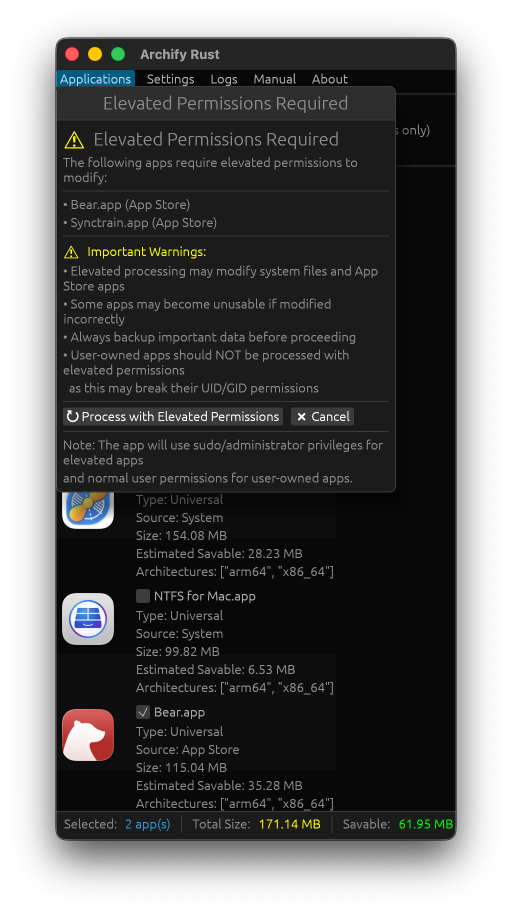
/Applicationsdirectory to identify universal binaries, displaying the exact amount of space you can save. - On-Demand Elevation: Prompts for administrative privileges only when processing system apps.
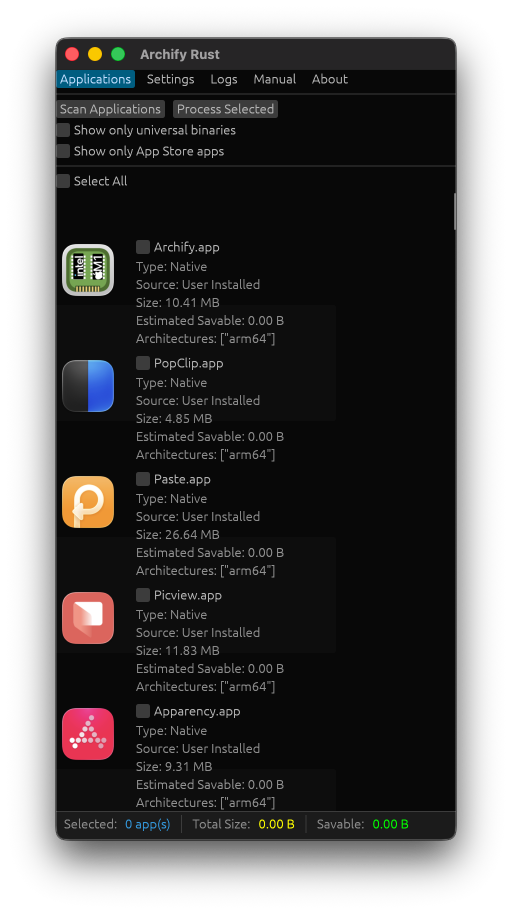
- Modern User Interface: A native, responsive macOS application list with crisp high-DPI icons and a real-time progress log.
- Flexible Processing: Thin multiple applications at once, filter by App Store downloads, or process custom files and folders outside standard directories.
- Safety First: Only modifies fat binaries in place and automatically signs them afterward to ensure they run correctly on your Mac.
- macOS 10.15 or later.
- Administrator privileges (prompted on-demand when processing protected system folders like
/Applications).
-
Clone the repository:
git clone https://github.com/yourusername/archify-rust.git cd archify-rust -
Build the application:
./build.sh
-
Install the app bundle:
# Copy to Applications folder
cp -r target/release/bundle/osx/Archify.app /Applications/

# Or run directly
open target/release/bundle/osx/Archify.app
- Launch Archify from Applications or your build directory.
- Scan Applications:
- Click "Scan Applications" to discover fat binaries in
/Applications. - Add custom scan directories in Settings.
- Toggle filters to only list Universal/Fat binaries or Mac App Store apps.
- Click "Scan Applications" to discover fat binaries in
- Select & Estimate:
- Check the apps you want to thin.
- Review the calculated total size and estimated savable space.
- Process:
- Click "Process Selected".
- If any chosen app is in a protected system folder, macOS will display a single prompt requesting your administrator password.
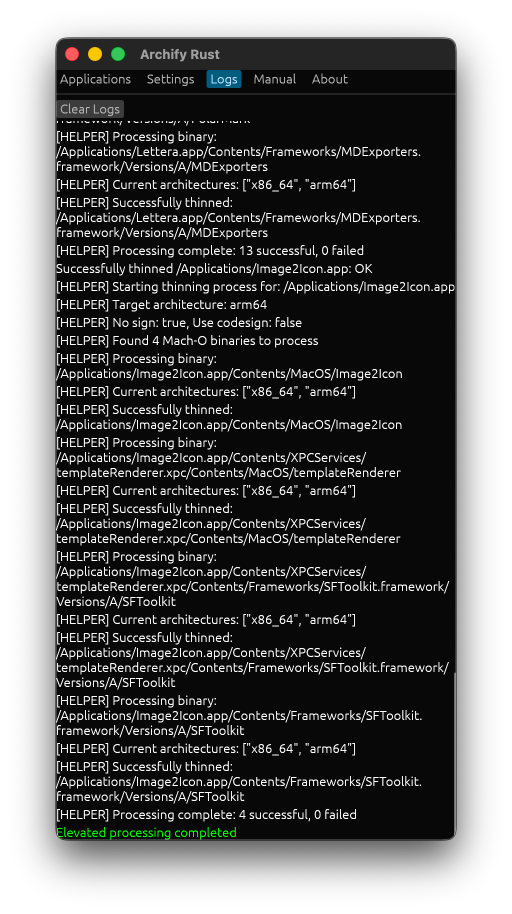
- Monitor detailed, step-by-step progress under the Logs tab.
For binaries located outside scanned paths:
- Navigate to the Manual Thinning tab.
- Drag or select individual
.appbundles. - Click "Process Selected Binaries".
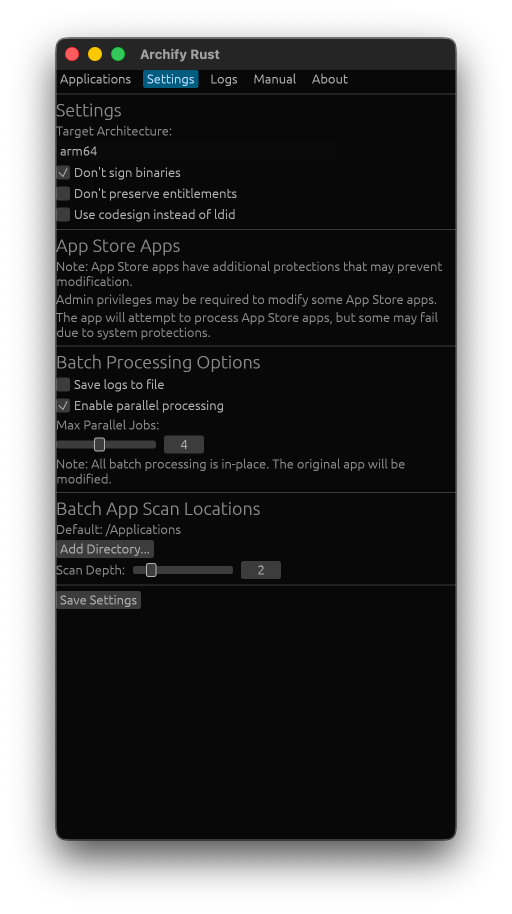
- Target Architecture: Choose between
x86_64,arm64, orarm64e. - Signing Options: Choose
codesignorldidto automatically resign thinned binaries. - Scan Locations: Add or remove custom folders to include in searches.
archify-rust/
├── src/
│   ├── main.rs              # Main application entry point
│   ├── app.rs               # GUI application layout and logic
│   ├── bin/helper.rs        # Privileged helper CLI binary
│   ├── file_operations.rs   # Universal binary detection and local file operations
│   ├── privileged_helper.rs # Elevated on-demand script wrapping (osascript)
│   ├── types.rs             # Data structures and enums
│   └── icon_loader.rs       # Native Cocoa high-DPI icon loader (Retina support)
├── assets/                  # PNG and ICNS graphics assets
├── build.sh                 # Unified build and packaging script
└── Cargo.toml              # Cargo crate configuration
This project is licensed under the GPL-3.0 License - see the LICENSE file for details.
- Original Archify project for the concept and approach.
goblincrate for fast Mach-O parsing.eguiandeframefor the GUI framework.objc2for type-safe native Apple Cocoa bindings.cargo-bundlefor macOS app bundle staging.