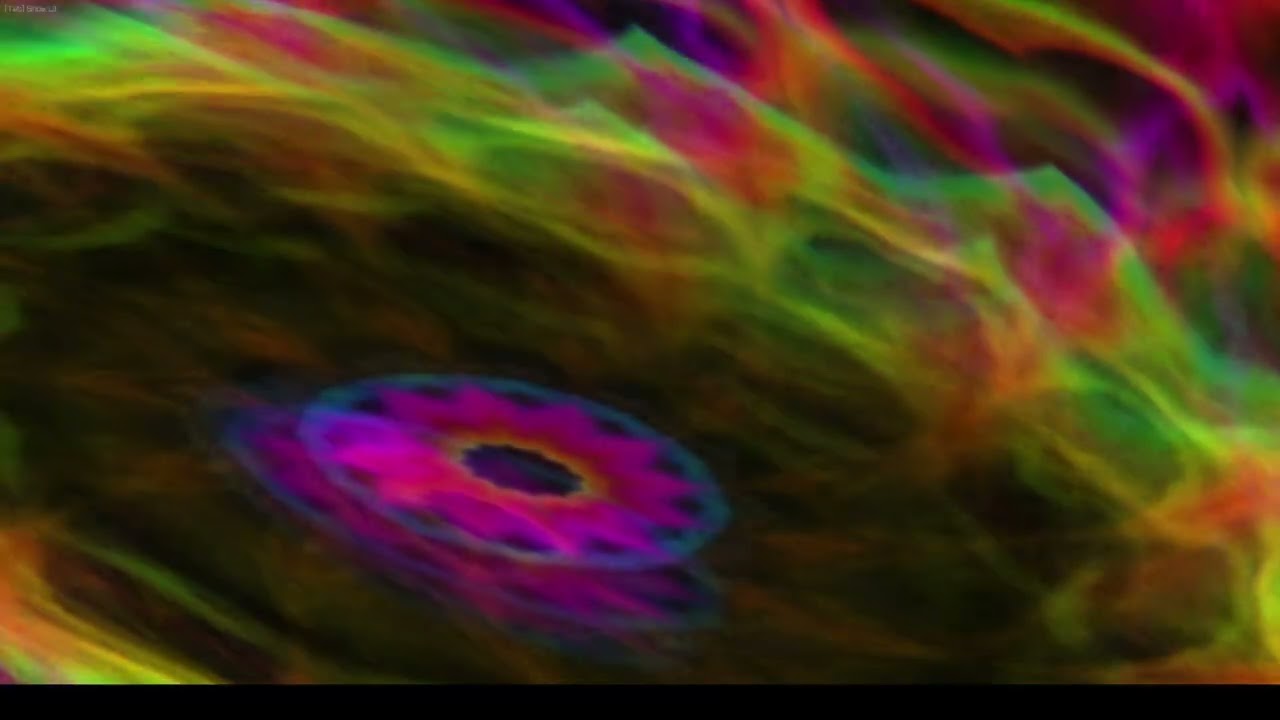
Real-time audio visualizer. Captures system audio and renders reactive visuals.
- System Audio Capture - WASAPI loopback grabs any audio playing on Windows
- Audio Analysis - FFT-driven beat detection, per-band energy, and spectral features feed every visual layer
- Layered Drawables - Stack waveforms, spectrum bars, and textured shapes into composite scenes
- Generators - Procedural content engines: spirals, constellations, plasma, glyphs, nebulae, and more
- Transforms - Reorderable effect chain spanning symmetry, warp, cellular, artistic, graphic, retro, optical, motion, and color categories
- Simulations - GPU compute agents deposit audio-reactive trails
- Feedback - Frame-to-frame blur, flow fields, and edge-following smear build up over time
- Modulation - LFOs, audio bands, and mod buses (combiners, envelope followers, slew limiters) automate any parameter
- Presets - Save and load full configurations as JSON, sequence them into playlists
Grab the latest zip from GitHub Releases, extract, and run AudioJones.exe.
- Windows 10/11
- CMake 3.20+
- C++ compiler (MSYS2 UCRT64 recommended)
git clone git@github.com:EvanLavender13/audio-jones.git
cd audio-jones
cmake -B build -S . -DCMAKE_BUILD_TYPE=Release
cmake --build build
./build/AudioJones.exeSee docs/architecture.md for system design.
See docs/effects.md for effects list.
| Key | Action |
|---|---|
| Tab | Toggle UI |
| Left / Right | Previous / next preset in playlist |