FloatingViews is the first Android library i've made, it provides cool animated floating views that can be used in various ways.
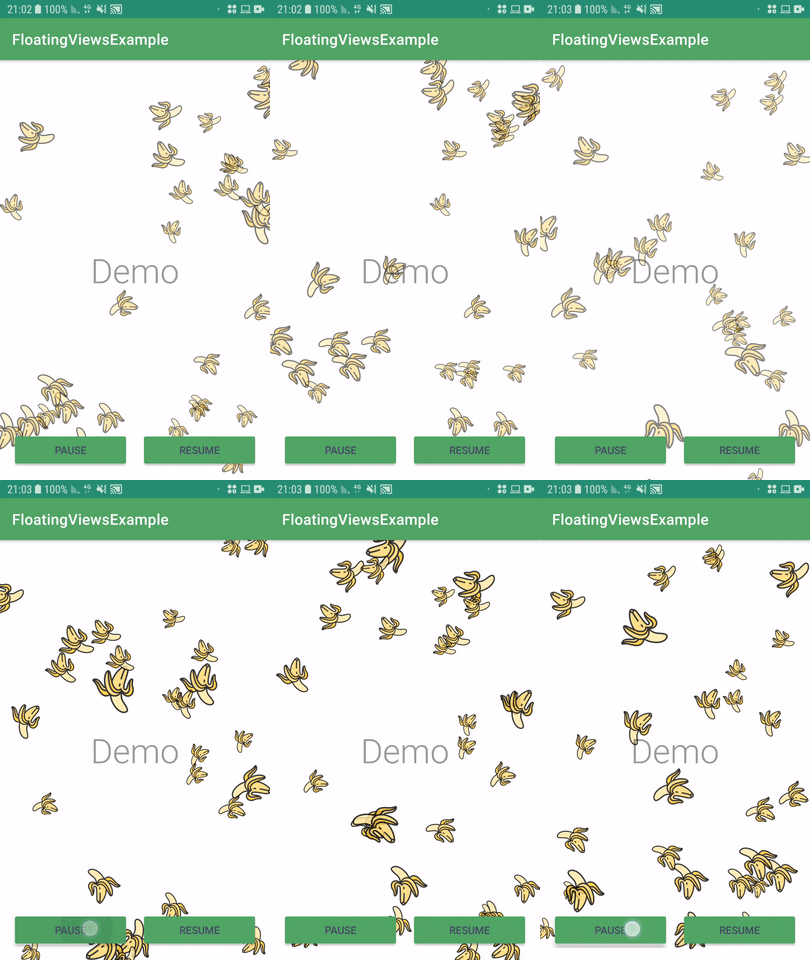
Add it in your root build.gradle at the end of repositories:
   allprojects {
      repositories {
         ...
         maven { url 'https://jitpack.io' }
      }
   }
Add the dependency
   dependencies {
	     implementation 'com.github.DaniKoza:FloatingViewsExample:1.0.1'
} 1. Create instance of FloatingViews in your activity (myFloatingBananas in the example).
2. Attach your floating view to the container of the animation (R.id.floating_bananas_view in the example).
3. Finally use the init() method to set the desired object that will be floating (ic_banana in the example). And thats it.
    @Override
    protected void onCreate(Bundle savedInstanceState) {
        super.onCreate(savedInstanceState);
        setContentView(R.layout.activity_main);

        FloatingViews myFloatingBananas;

        myFloatingBananas = (FloatingViews) findViewById(R.id.floating_bananas_view);

        /* You must init your desired floating object AFTER findViewByID */
        myFloatingBananas.init(R.drawable.ic_banana);
    }
} You can simply use the animation's opstions like this:
    findViewById(R.id.btn_pause).setOnClickListener(v -> myFloatingBananas.pause());
    findViewById(R.id.btn_resume).setOnClickListener(v -> myFloatingBananas.resume());