Addon for Blender to automate cut and connection building workflows for complex 3D models, which are f.e. larger than your printing bed, to create printable parts. It generates precise, glue-free snap-fit connectors.
Its goal is to integrate into a 3D printing workflow using robust booleans, material sensible adaptive tolerance models, and various options for splits and connections.
For now I tested it with Blender 4.5.3 LTS, 5.0.1 and 5.1.0 which work fine. Please let me know if you test on other Blender versions to update version compatabilities.
- Download the whole repository or only snapsplit.zip
- In Blender: Edit → Preferences → Add-ons → Install… → select the *.ZIP → enable.
- Unit system: Metric, Unit scale: 1.000, Length: Adaptive
- The UI is accessible over the N-Panel in Blender.
- Scale Unit = 1.000, Metric: Adaptive
- Before splitting: use f.e. 3D-Printing Toolbox (manifold, thin walls, intersections).
- Select a watertight (manifold) mesh.
- Ctrl + A -> Apply all transforms
- This is also important after each change, f.e. rotatations or scale.
- After splitting: visually check that all parts contain polygons.
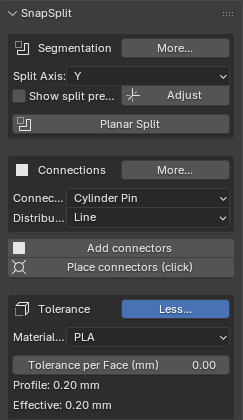
Unfold the segmentation part (More...) to get ready for the split.
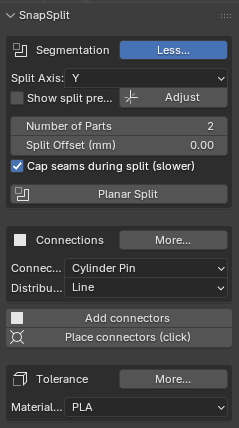
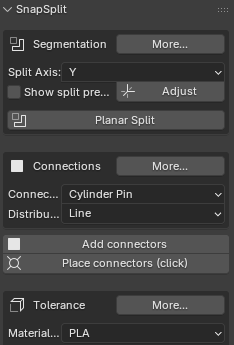
-> Click "Show split preview" if you want to see the split preview plane permanently. Offset 0 is the middle of the selected part.
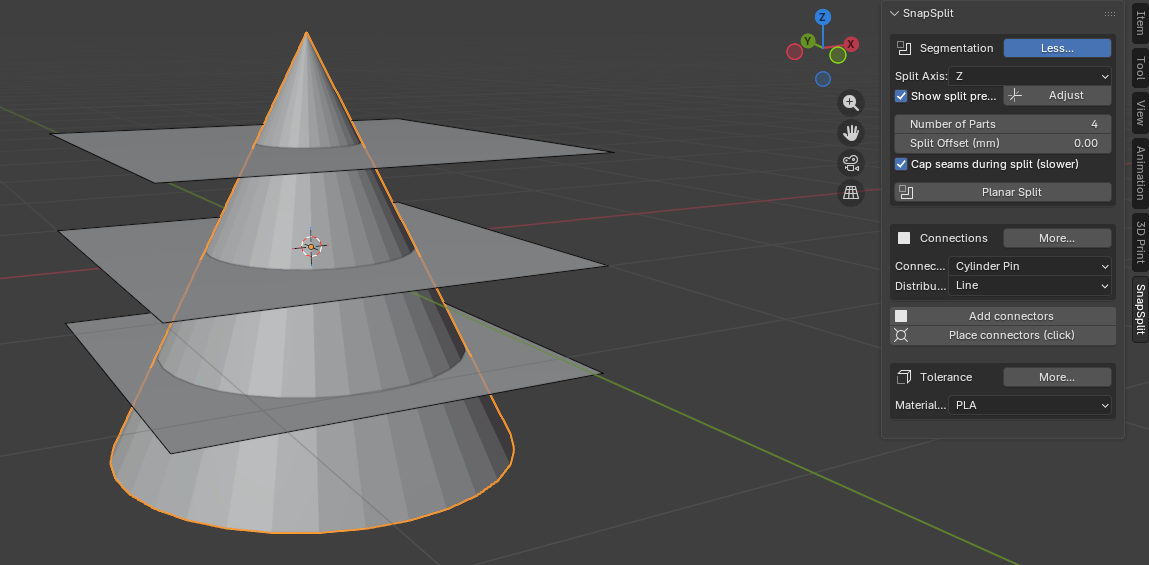
-> Choose desired number of parts and adjust the split axis offset. -> Push: "Adjust split axis"
-> For larger part numbers you can deselect "cap seams" and create the caps afterwards. -> Cap seams closes walls, if hollow or solidify is detected. If none it closes the whole cut area. You can also use it per part afterwards if "Cap seams" is deselected
-> Run "Planar Split"
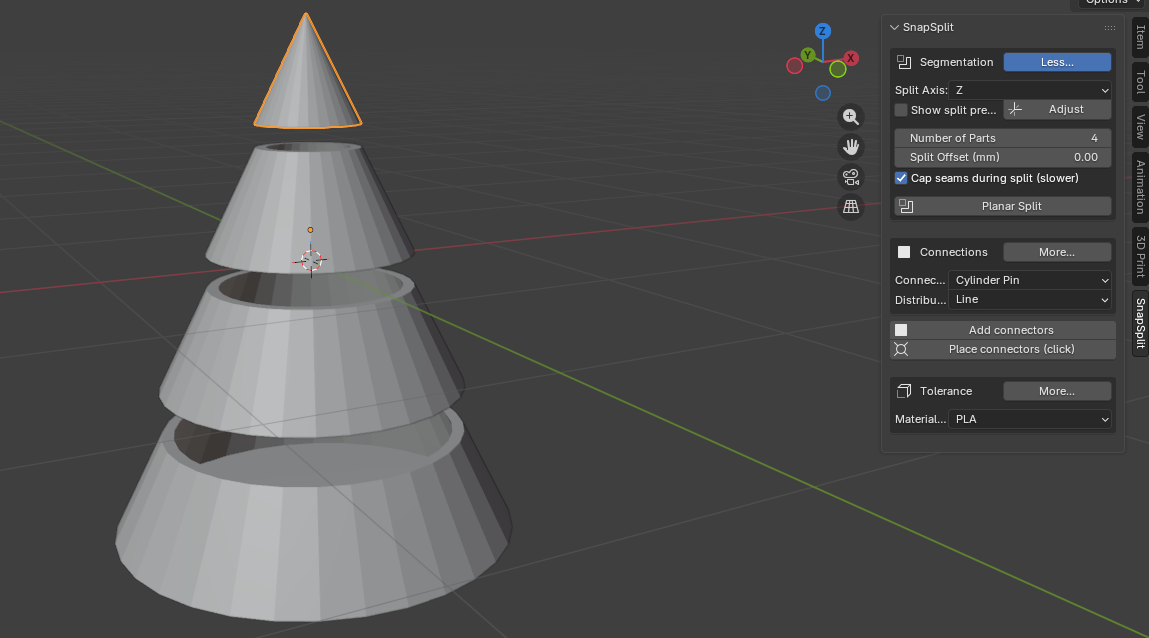
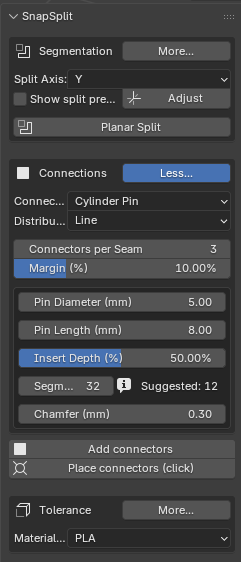
Unfold the conections part (More...) to choose and place your connectors.
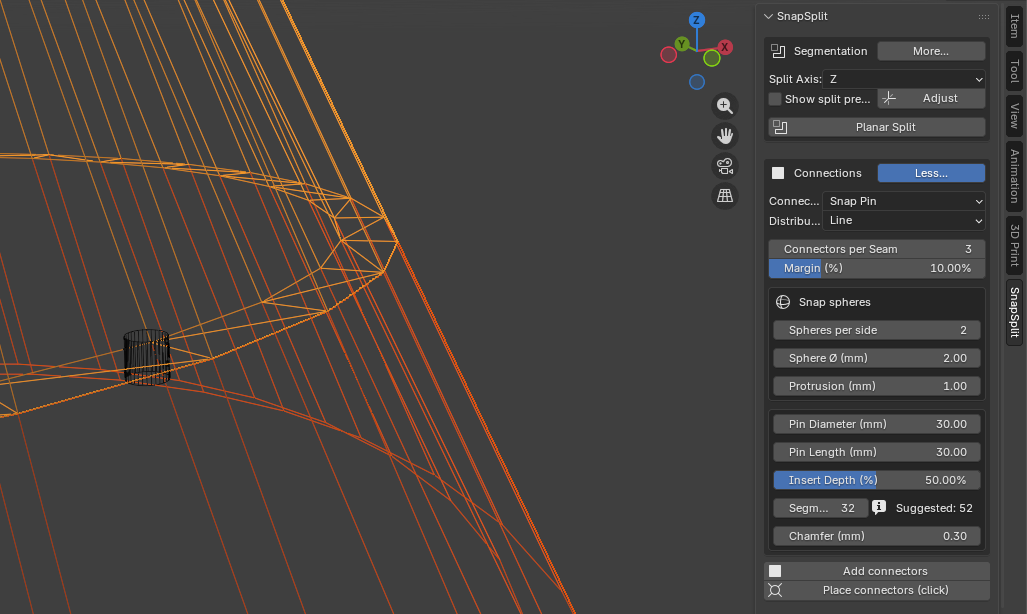
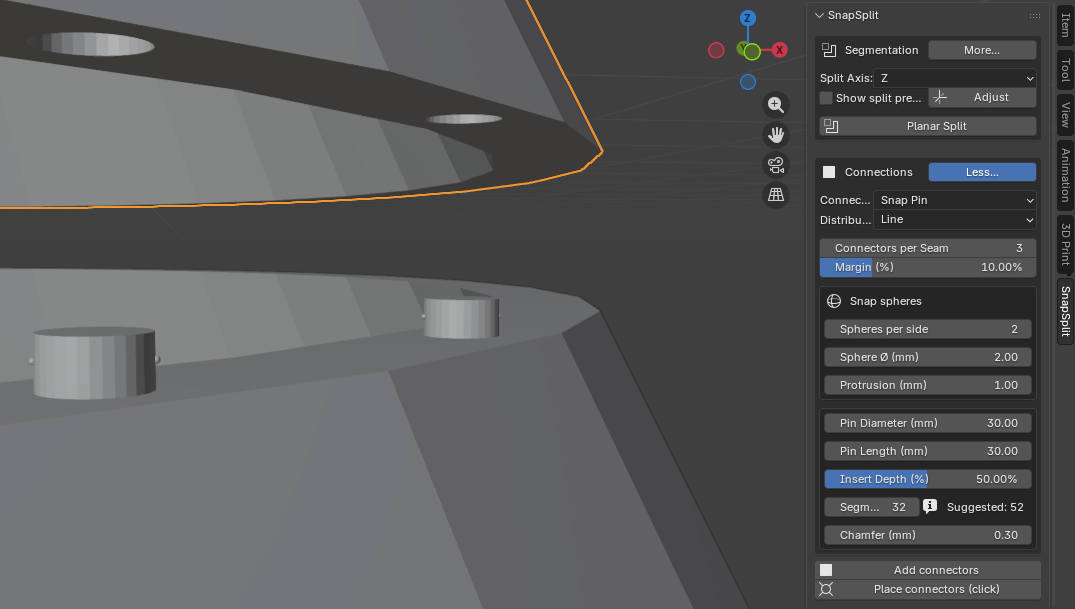
-> Select two or more adjacent parts (order does not matter). -> Choose pins or tenons distributed along a seam line or spread across a grid, with or without Snap-Pins for glueless connection. -> Define your tolerance profile (under Connections UI) for your material.
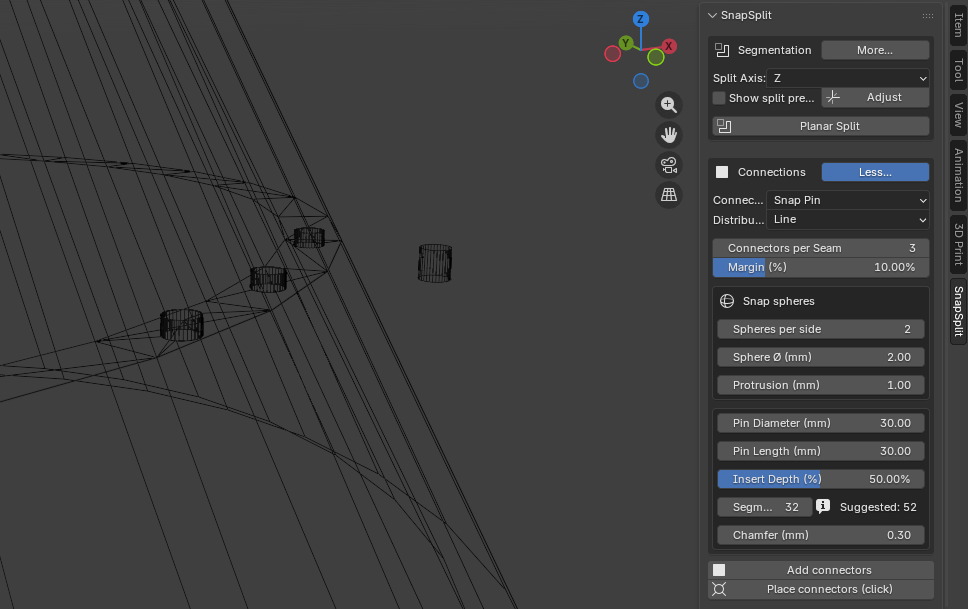
-> Click “Add connectors”: The pin/tenon is unioned into Part B, and a socket with tolerance is cut into Part A. or -> Choose "Place connectors (click)" to set individualized connectors with your mouse clicking at spots along the seems.
Property group with:
- Number of parts. (Unclick "cap seams" for larger part numbers)
- Connector types (Cylindrical Pin, Rectangular Tenon, Snap-Pin, Snap-Tenon ...until now)
- Material/Printer profile (PLA, PETG, ABS, ASA, TPU, SLA)
- Derived tolerances (per side)
Operators:
- Planar Split along a global axis into the specified number of parts
- Split preview and adjustment
- Decap and cap seams option
- Percentage-based edge margin for connector placement
- Seam line connectors, Grid connectors and individual Connectors on the cut face with rows and columns input
- Pin and Snap-Pin adjustments
- Adjustable insertion depth. Default: 50%
Tolerance profiles (guidelines, adjustable):
- PLA: 0.15–0.25 mm per side
- PETG: 0.25–0.35 mm per side
- ABS/ASA: 0.20–0.30 mm per side
- TPU: 0.30–0.45 mm per side
- SLA: 0.05–0.15 mm per side
These are provided as presets and can be overridden by the user.
-> Determine seam curves more precisely -> Freeform/curvature-based seams -> Bayonet/dovetail connectors -> A calibration wizard for tolerances
Master is the development branch building up on the latest stable version, which you can find as latest branch. If you want to join the development, fork and explore the code.
snapsplit/
    __init__.py
    ops_split.py
    ops_connectors.py
    ui.py
    prefs.py
    utils.py
    profiles.py
The project is made with AI assistance and under the terms of the GNU General Public License. If you like it and can, buy me a drink on Gumroad: https://betakontext.gumroad.com/l/snapsplit
Have fun splitting and printing, and feel free to fork and join in to further developments.
CONTACT: dev@betakontext.de | https://dev.betakontext.de