
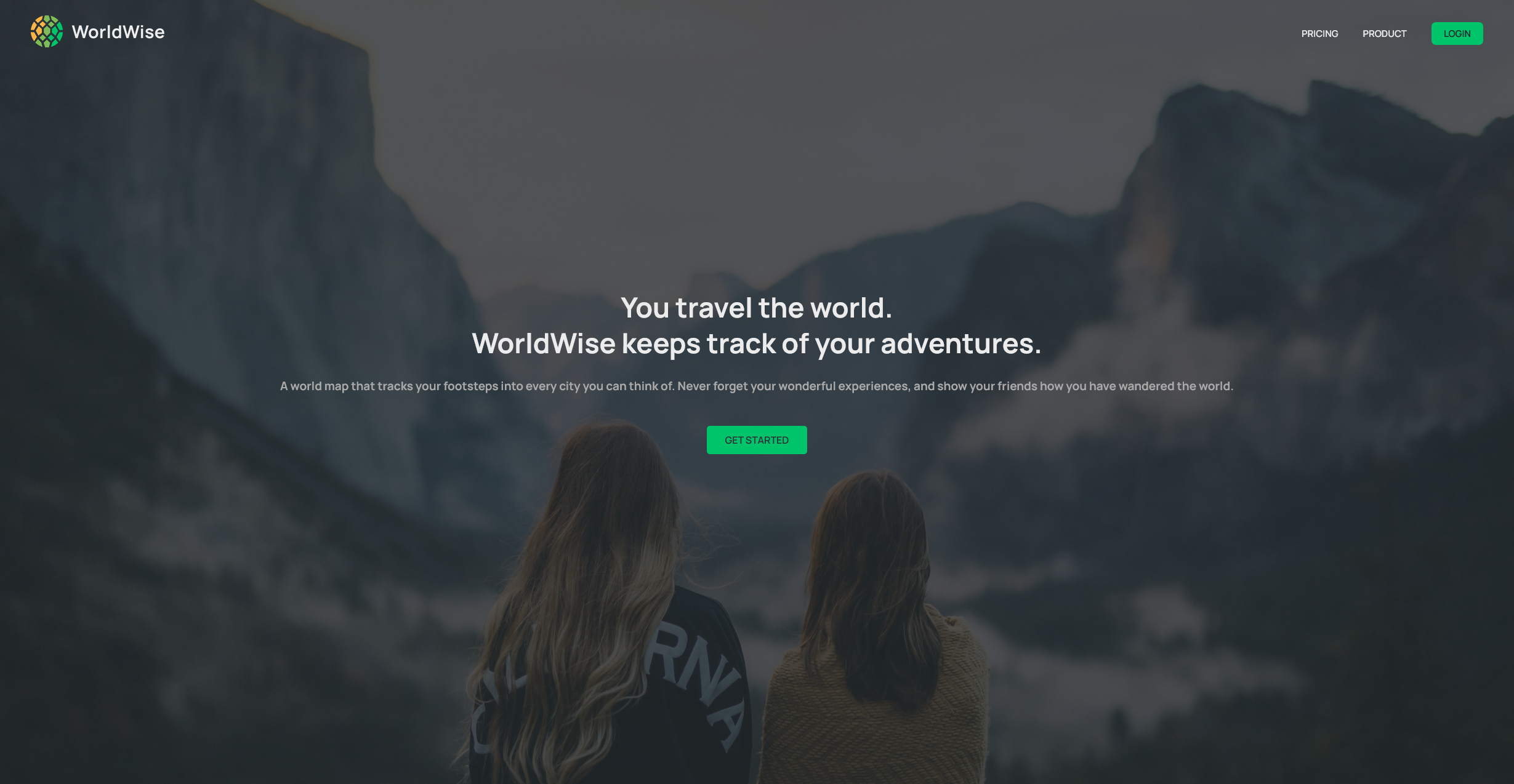



A world map application that tracks your footsteps into every city you can think of. Never forget your wonderful experiences, and show your friends how you have wandered the world.
- 🗺️ Interactive World Map: Click anywhere on the map to add cities you've visited
- 📍 Geolocation Support: Use your current location to quickly add nearby cities
- 🏙️ City Management: Add, view, and delete cities with detailed information
- 🌍 Country Overview: View all countries you've visited with flags and stats
- 📝 Travel Notes: Add personal notes and memories for each city
- 📅 Date Tracking: Keep track of when you visited each location
- 🔐 User Authentication: Secure login system to protect your travel data
- 💾 Local Storage: Your data persists between sessions
- Frontend: React 18 with TypeScript
- Build Tool: Vite for fast development and optimized builds
- Mapping: Leaflet with React Leaflet
- Routing: React Router DOM for navigation
- Styling: CSS Modules for component-scoped styling
- Date Handling: React DatePicker
- Tools: ESLint for code quality, JSON Server for development API
# Clone the repository
git clone https://github.com/Amadou-dot/worldwise.git
cd worldwise

# Install dependencies
npm install# Start development server
npm run devOpen http://localhost:5173 to view the application.
# Build for production
npm run build

# Preview production build
npm run preview

# Run linting
npm run lint

# Start mock API server (if needed for development)
npm run serverworldwise/
├── public/ # Static assets
├── src/
│ ├── assets/ # Images and media files
│ ├── components/ # Reusable UI components
│ │ └── Buttons/ # Button components
│ ├── context/ # React context for state management
│ ├── data/ # Mock data and JSON files
│ ├── helpers/ # Utility functions
│ ├── hooks/ # Custom React hooks
│ ├── pages/ # Page components
│ ├── types/ # TypeScript type definitions
│ ├── App.tsx # Main application component
│ └── main.tsx # Application entry point
├── package.json # Dependencies and scripts
└── vite.config.ts # Vite configuration
- Login: Start by logging into the application
- Explore the Map: Navigate around the interactive world map
- Add Cities: Click on any location to add a city you've visited
- Fill Details: Add the date of visit and personal notes
- View Your Journey: Check your cities list and countries overview
- Manage Data: Edit or delete entries as needed
- Fork the repository
- Create your feature branch (
git checkout -b feature/amazing-feature) - Commit your changes (
git commit -m 'Add amazing feature') - Push to the branch (
git push origin feature/amazing-feature) - Open a Pull Request
This project is licensed under the MIT License.
Made by Amadou