
Another Survival is an interactive survival game that combines third-person overhead perspective, pixel art, and survival gameplay. The player has wandered into a ghost town and must find their way out to avoid becoming one of the spirits. It is a single player game where the player only has 3 hearts. Getting hit will cause a player to lose a heart. Will you make it out alive?
Try my game out! Live Demo
With Another Survival, users will be able to:
- Play a new game
- Turn on/off sound and music
- Use the wasd keys to move and the space key to attack
In addition, this project will include:
- Instructions showing a user how to play the game
- A production README
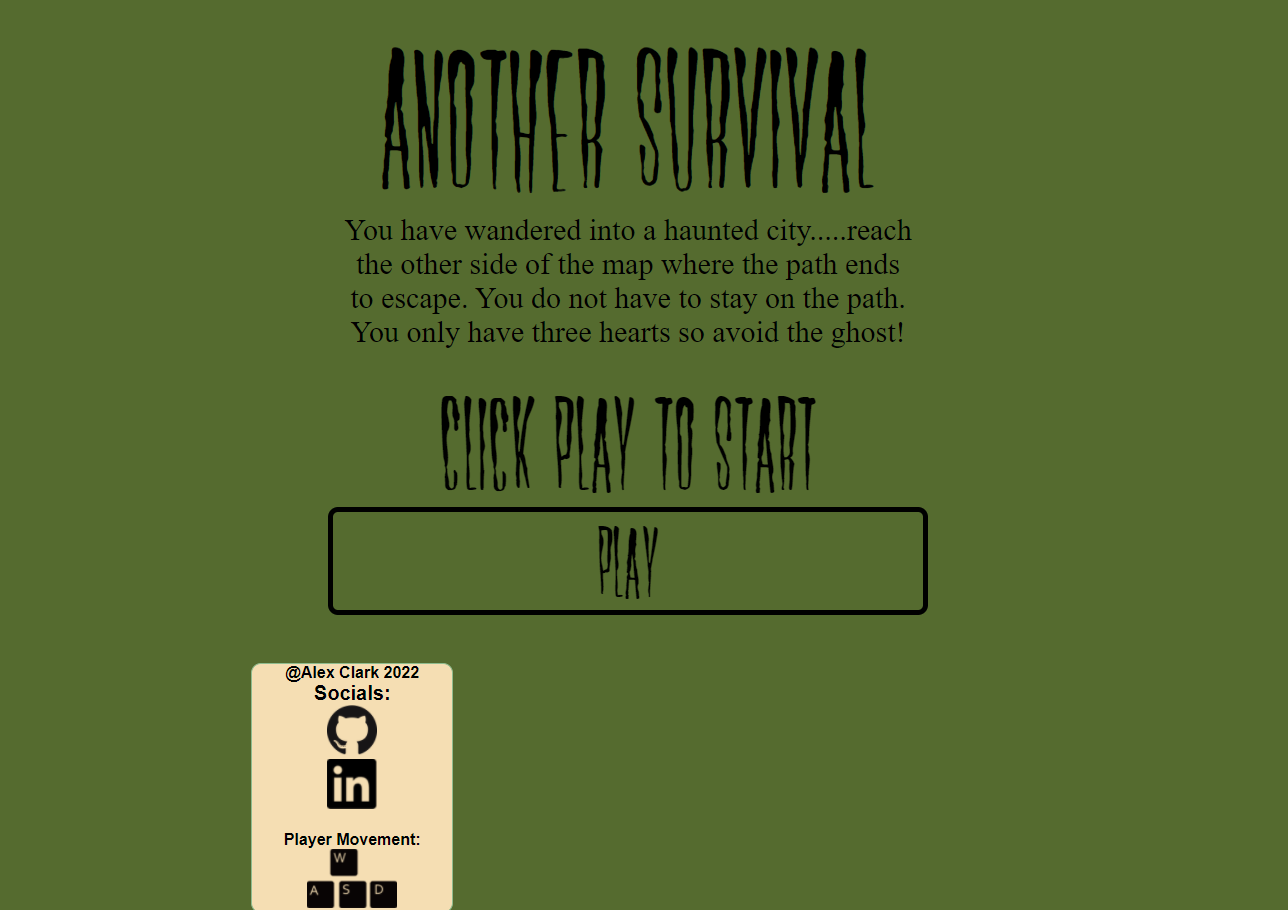
The game has a title screen that gives a brief overview and directions. The player can click at anytime to start the game. Music is muted by default and a player can unmute when in game. Links to my socials will also be available on the screen.
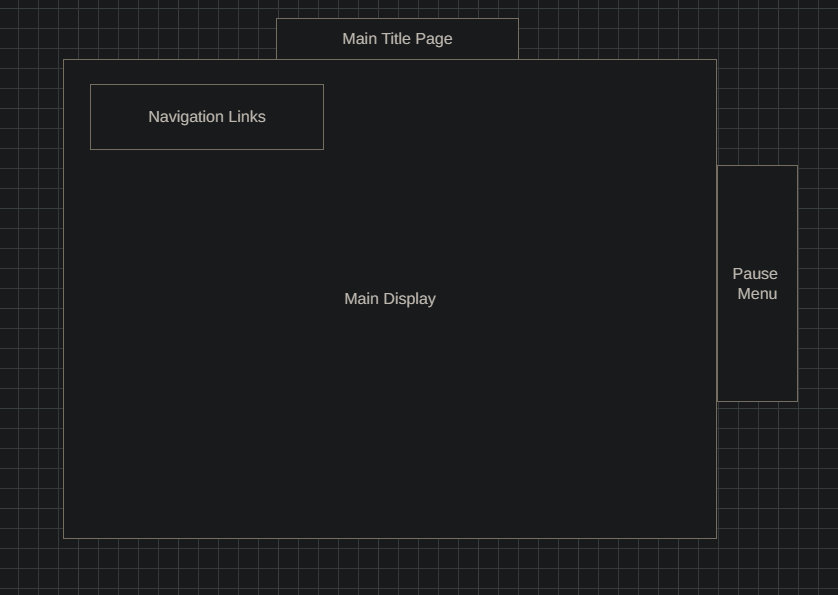
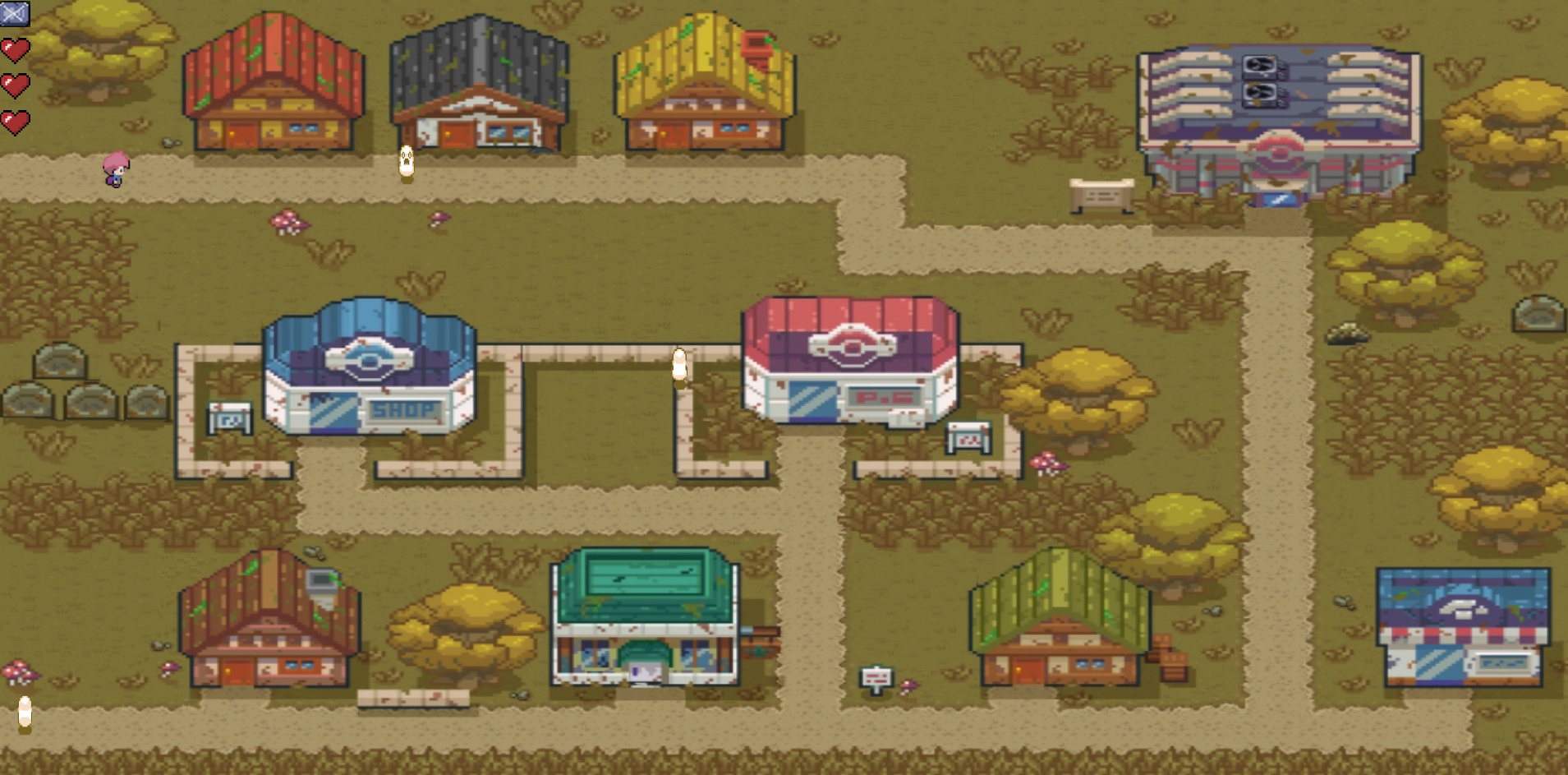
This is the main area of game play after the title screen. The user will have the option to unmute music in the top left corner along with seeing how many hearts they have left.
One of the most fundemental parts of Another Survival is player movement. Below is the movePlayer function that allows a player to move based on the input of the wasd keys. An array of keys is passed into the movePlayer function so the game can keep track of what keys are pressed. An event listener will add and remove the keys from the array upon press and release. The if conditional also prevents the user from pressing multiple keys at a time, this prevents unwanted movement behavior. The moving variable is a boolean value deciding whether to animate the sprite or not. The isColliding function consumed a majority of development time. Each object on the map is saved as an obstacle with postions values. The function will check the players postion and objects position and decide if they are colliding. If true movement will be prevented.
movePlayer(keys){
        if(keys["w"] && this.y>0 && !keys["a"] && !keys["s"] && !keys["d"]){
            this.moving = true; //had to put these in here to prevent animation of sprite on random key presses
            this.frameY = 1;
            this.y -= this.speed;
            // scalePlayer.y -= this.speed;
            if(this.isColliding(this.collides, this, ...this.obstacles)) this.y += this.speed;
        }else{
            this.moving = false;
        }
        if(keys["a"] && this.x>2 && !keys["w"] && !keys["s"] && !keys["d"]){
            this.moving = true;
            this.frameY = 2;
            this.x -= this.speed;
            // scalePlayer.x -= this.speed;
            if(this.isColliding(this.collides, this, ...this.obstacles)) this.x += this.speed
        }
        if(keys["s"] && this.y<this.canvas.height-this.height && !keys["a"] && !keys["w"] && !keys["d"]){
            this.moving = true;
            this.frameY = 0;
            this.y += this.speed;
            // scalePlayer.y += this.speed;
            if(this.isColliding(this.collides, this, ...this.obstacles)) this.y -= this.speed
        }
        if(keys["d"] && this.x<this.canvas.width-this.width && !keys["a"] && !keys["s"] && !keys["w"]){
            this.moving = true;
            this.frameY = 3;
            this.x += this.speed;
            // scalePlayer.x += this.speed;
            if(this.isColliding(this.collides, this, ...this.obstacles)) this.x -= this.speed
        }

}This project will be implemented with the following technologies:
JavaScript- Programming language used for game logicHTML5HTML Audio- Game audioCSS3- StylyingCanvas API- Render game objects and imagesWebpack- Bundle the Javascript codePixilart- Create different images used in game
- Friday Afternoon & Weekend: compile research, setup project, begin skeleton rough draft, get comfortable with the APIs I'll be using, and sketch out the artworks for the game. Render the background images and map to the screen and have all sprites ready to be implemented.
- Monday: Implement the underlying logic of the game and functionality. Be able to have the player move about the screen and be restricted to certain areas.
- Tuesday: Add the attack ability to the player and the health system.
- Wednesday: Add an enemies to hurt the player and any last minute styling.
- Thursday Morning: Submit project.
Another Survival uses nostolgic pixel like graphics and survival gameplay to offer a fully featured game with enemies, the ability to attack, health, and amazing music!
- Add a shop to be able to level up your players abilities.
- Add different types enemies with different attacking abilities.
- Implement different maps and levels