
Add FUXA to your Home Assistant. It is an easy web-based Process Visualization (SCADA/HMI/Dashboard) software
This App is based on https://github.com/frangoteam/FUXA. All credits go to the team of frangoteam.
FUXA is a web-based Process Visualization (SCADA/HMI/Dashboard) software. With FUXA you can create modern process visualizations with individual designs for your machines and real-time data display.
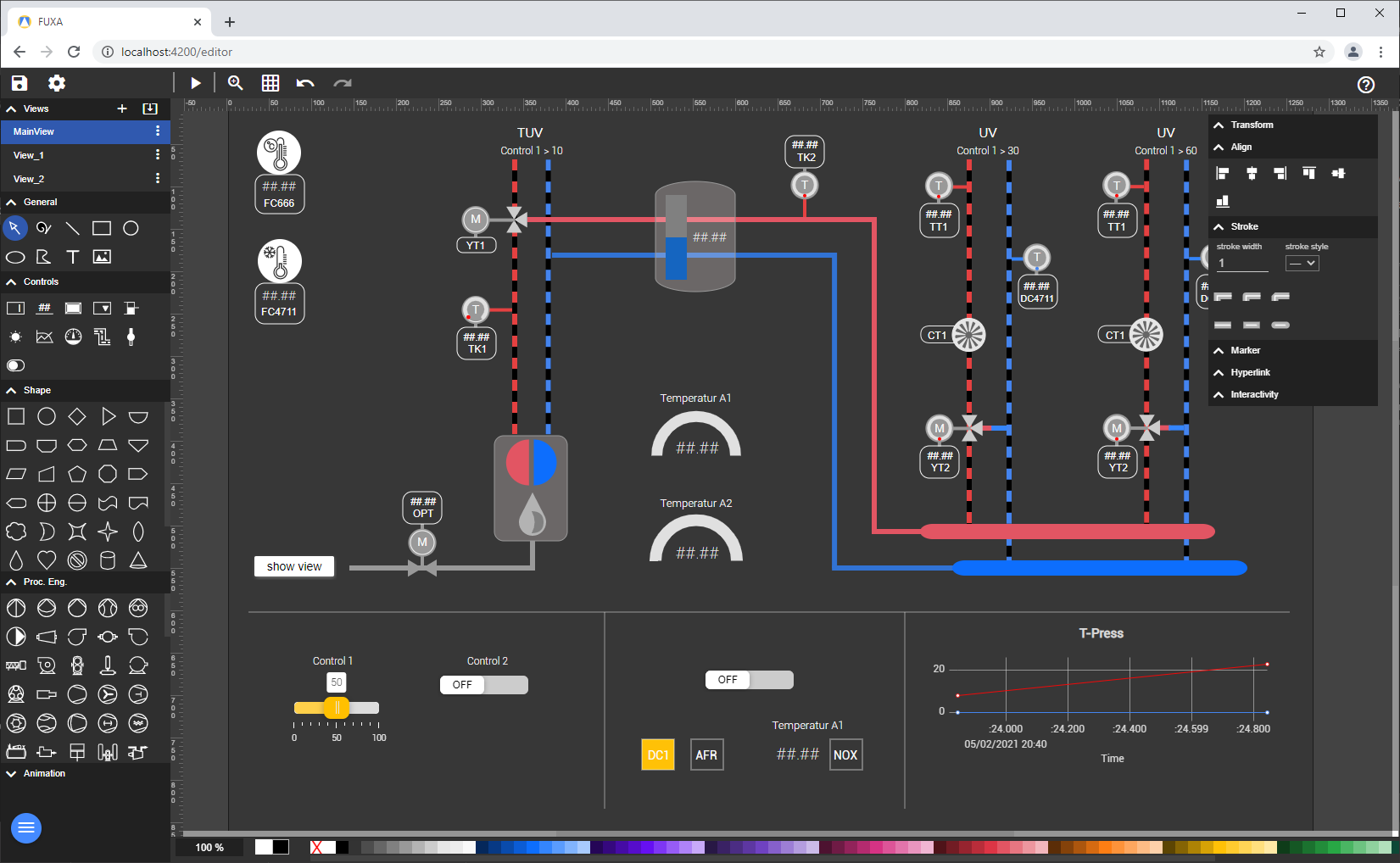
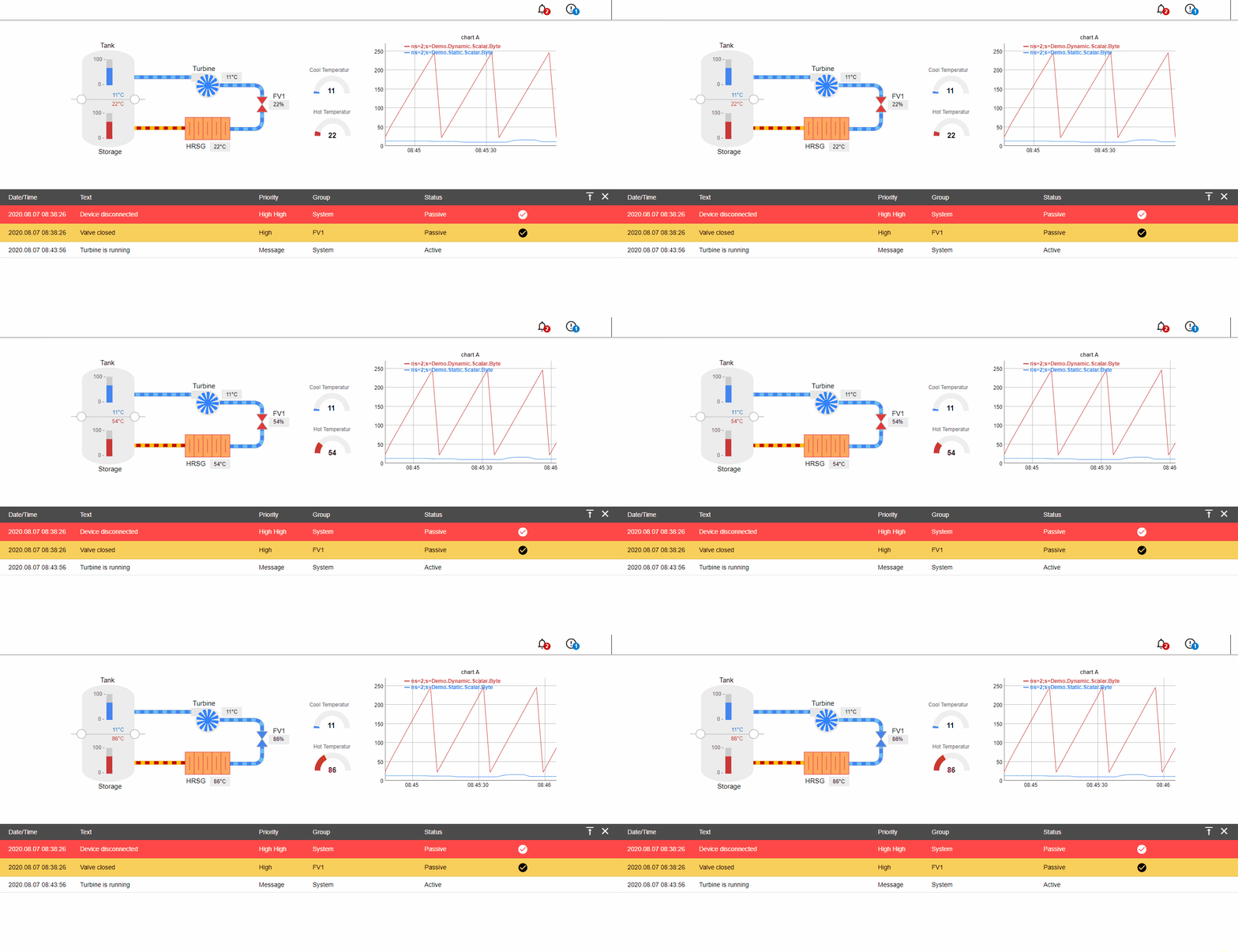
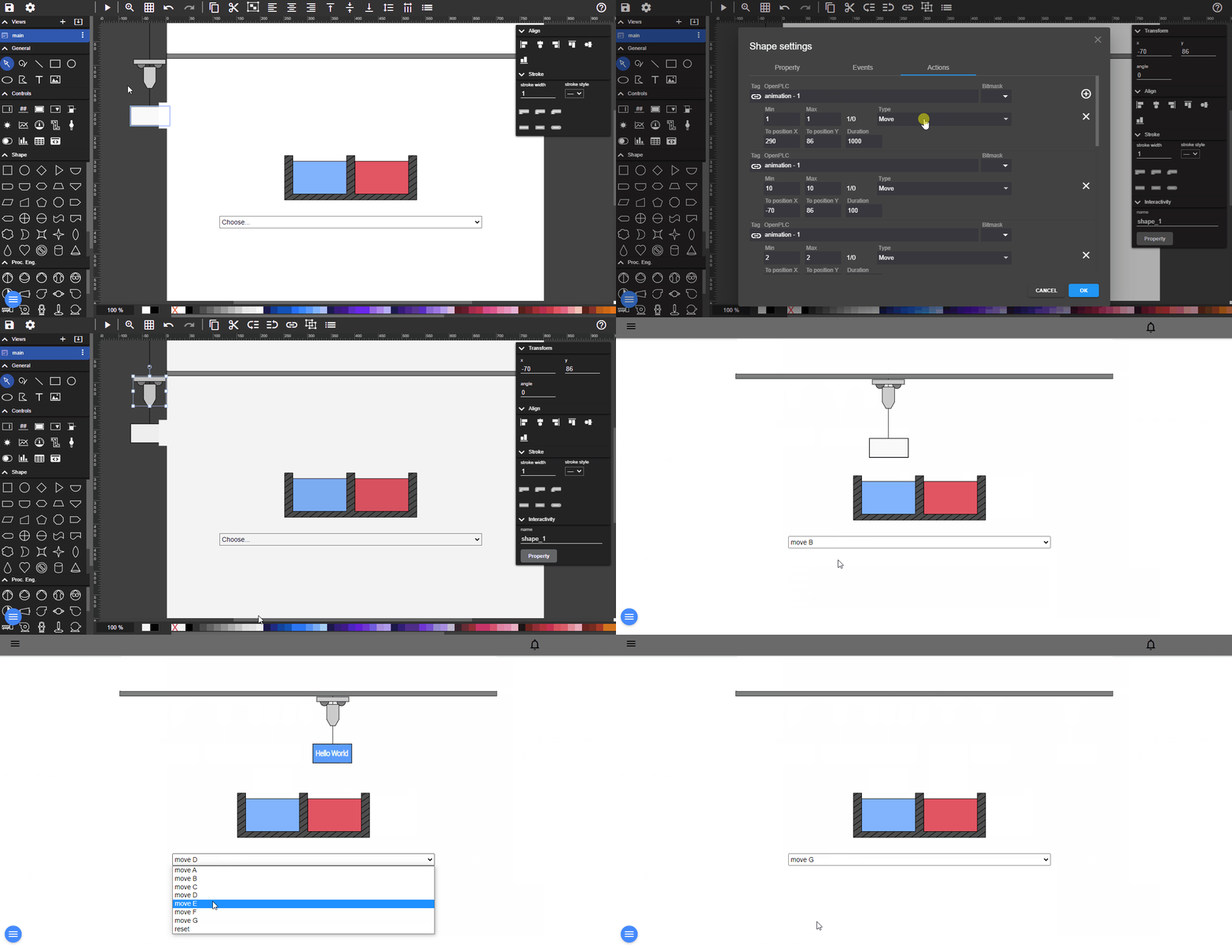
- Devices connectivity with Modbus RTU/TCP, Siemens S7 Protocol, OPC-UA, BACnet IP, MQTT, Ethernet/IP (Allen Bradley)
- SCADA/HMI Web-Editor - Engineering and Design completely web-based
- Cross-Platform Full-Stack - Backend with NodeJs and Frontend with Web technologies (HTML5, CSS, Javascript, Angular, SVG)
Here is a live demo example of FUXA editor.
Add this Repository https://github.com/8OND007/FUXA-HA/ manually or click here to add it via my Home Assistant:


- Go to Settings, then to Apps
- Click on "Install app" in the lower right corner (Blue Button)
- Click on the three dots in the upper right corner
- Select
Repositories - Paste the url
https://github.com/8OND007/FUXA-HA/ - Hit Add and then close
- Refresh the page
- The new App
FUXA-HAis now visible - Click on it
- Install the App
- Press
Start - Check the
Logs - Now FUXA is started and you can use it on port
1881 - You can use
homeasssitant.local:1881(just replace the:8123with:1881) - Have fun!
You can use the https://www.home-assistant.io/dashboards/iframe/ Lovelace card, this is only possible locally on a HTTP HA instance. HTTPS does not allow iframes to HTTP content.
You can use the https://github.com/lovelylain/hass_ingress HACS integration, this allows full access to FUXA from anywhere (HTTP or HTTPS), in & externally. it's still experimental, and some elements don't seem to work remotely (some missing widgets, icons, controls, save function sometimes fails and have to resave a second time,...), if someone has Ingress fully working without any problem, please share your ingress config.
add to config.yaml:
ingress:
  fuxa:
    title: FUXA
    work_mode: ingress
    url: http://localhost:1881
    index: /fuxa/
    icon: mdi:monitor-dashboard
    require_admin: true
    rewrite:

      # =========================================================
      # FUXA HTML / frontend absolute paths
      #
      # FUXA generates URLs such as:
      #   /fuxa/assets/...
      #   /fuxa/main....js
      #   /fuxa/styles....css
      #
      # Convert them to:
      #   /api/ingress/fuxa/fuxa/...
      #
      # IMPORTANT:
      # This only operates on the initial FUXA HTML response.
      # ==========================================================
      - mode: body
        path: '^/fuxa/?$'
        match: '(["''(=])(/fuxa/)'
        replace: '\1$http_x_ingress_path/fuxa/'

      # =========================================================
      # FUXA REST API
      #
      # FUXA generates absolute API paths such as:
      #
      #   /api/project
      #   /api/projectData
      #   /api/settings
      #   /api/screen
      #   /api/refresh
      #   /api/resources
      #   /api/heartbeat
      #   /api/scheduler
      #   /api/report
      #   /api/maps
      #   ...
      #
      # Convert:
      #   /api/project
      #
      # to:
      #   /api/ingress/fuxa/api/project
      #
      # NOTE:
      # Do NOT add /fuxa here because these API URLs are native
      # FUXA /api URLs.
      # =========================================================
      - mode: body
        path: '^/fuxa/?$'
        match: '(["''(=])(/api/(projectData|project|screen|refresh|settings|resources|heartbeat|scheduler|home|lab|editor|device|plugins|rodevice|users|view|_images|_widgets|snapshots|hmi|graph|chart|alarm|notification|language|report|maps|client-access|ar|_helpers/utils)(?:[/"''?])?)'
        replace: '\1$http_x_ingress_path\2'

      # =========================================================
      # FUXA API
      #
      # Native FUXA:
      #   /fuxa/api/project
      #
      # Through HA:
      #   /api/ingress/fuxa/fuxa/api/project
      # =========================================================
      - mode: body
        path: '^/fuxa/?$'
        match: '(["''(=])(/fuxa/api/)'
        replace: '\1$http_x_ingress_path/fuxa/api/'

      # =========================================================
      # Socket.IO
      #
      # FUXA uses Socket.IO for the live connection.
      # =========================================================
      - mode: body
        path: '^/fuxa/?$'
        match: '(["''(=])(/fuxa/socket\.io)'
        replace: '\1$http_x_ingress_path/fuxa/socket.io'

      # =========================================================
      # Redirects
      # =========================================================

      - mode: header
        name: '^Location$'
        match: '^/fuxa/(?!api/ingress/)'
        replace: '$http_x_ingress_path/fuxa/'