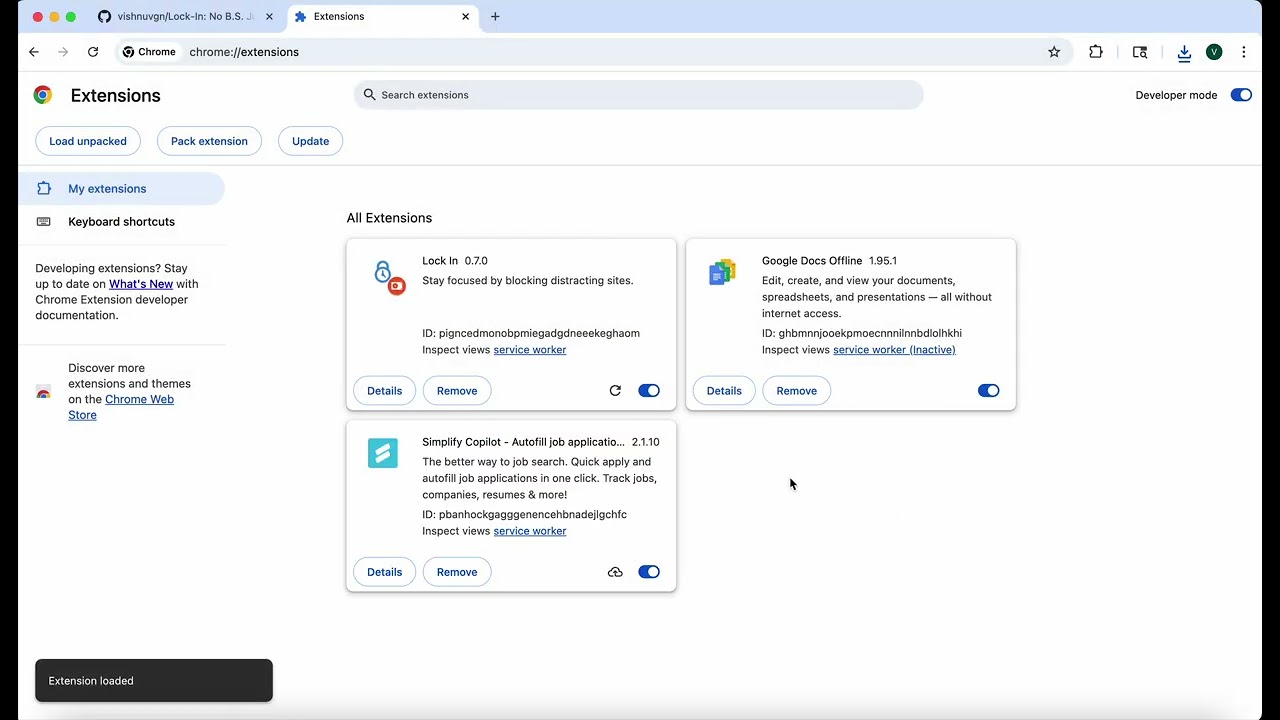
Stay focused by blocking distracting sites.
Lock In is a no-nonsense productivity extension that helps you stay focused by blocking websites that distract you.
No coins, no tokens, no streaks, no “share with friends” gimmicks — just clean, effective blocking so you can get work done.
- Block distracting websites
- Lightweight and fast
- Simple, intuitive design
- Forever free & open source
Most focus tools try to gamify productivity. That works for some people, but for many it just adds clutter.
Lock In takes the opposite approach: a single purpose, done well. Add sites to your blocklist, set a focus timer, and get back to work.
- Add/remove sites to your blocklist with one click
- Lock in for a set time or run indefinitely
- Works out of the box — no accounts or setup required
- Download Lock In from the Chrome Web Store
- Click the extension icon to open options
- Add websites you want to block
- Hit Start — and you’re locked in