
MicroFunctions is open-source Kubernetes Native Serverless platform bthat lets you deploy small bits of code without having to worry about the underlying infrastructure plumbing. It leverages Kubernetes resources to provide auto-scaling, API routing, monitoring, troubleshooting and supports every programming language. (Nodejs,Go,python,..).
- Add Multi Namespace
- Add Multi Cluster
- Functions API(Https)
- Functions Services
- Functions Cronjob
- Functions Resource Quota
- Functions Autoscale
- Functions Metrics
- Code editor
- Support Runtime (Python, Node.js, Golang)
- Authorization API (x-apikey-header)
- Add microFunctions-cli-api
- Add Support Runtime(Php,.Net ,java ...) (coming soon)
- Namespace Resource Quota (coming soon)
- Dashboard (coming soon)
- WebApp (coming soon)
- User types (coming soon)
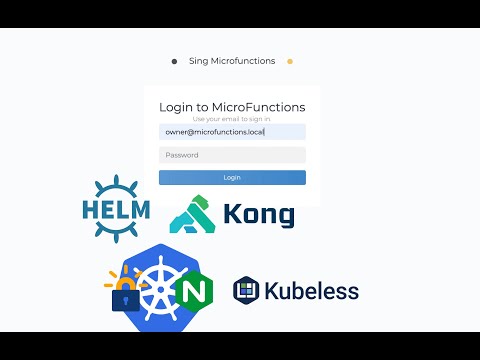
MicroFunctions is a combination of open source tools.
- Kong Ingress Controller implements authentication, transformations, and other functionalities across Kubernetes clusters
- cert-manager controller. issuing certificates from a variety of sources
- Kubeless Kubernetes-native serverless framework

Have you found a bug 🐛 ? Or maybe you have a nice feature ✨ to contribute ? The CONTRIBUTING guide will help you get your development environment ready in minutes.
- Kubernetes v1.17+
- Helm 3.1.0
# Helm
$ helm repo add  microfunctions https://microfunctionsio.github.io/microfunctions-helm
$ helm install my-release microfunctions/microfunctions -n microfunctions --create-namespace
Instal local with Docker Desktop
# Helm
$ helm uninstall [RELEASE_NAME]
This removes all the Kubernetes components associated with the chart and deletes the release.