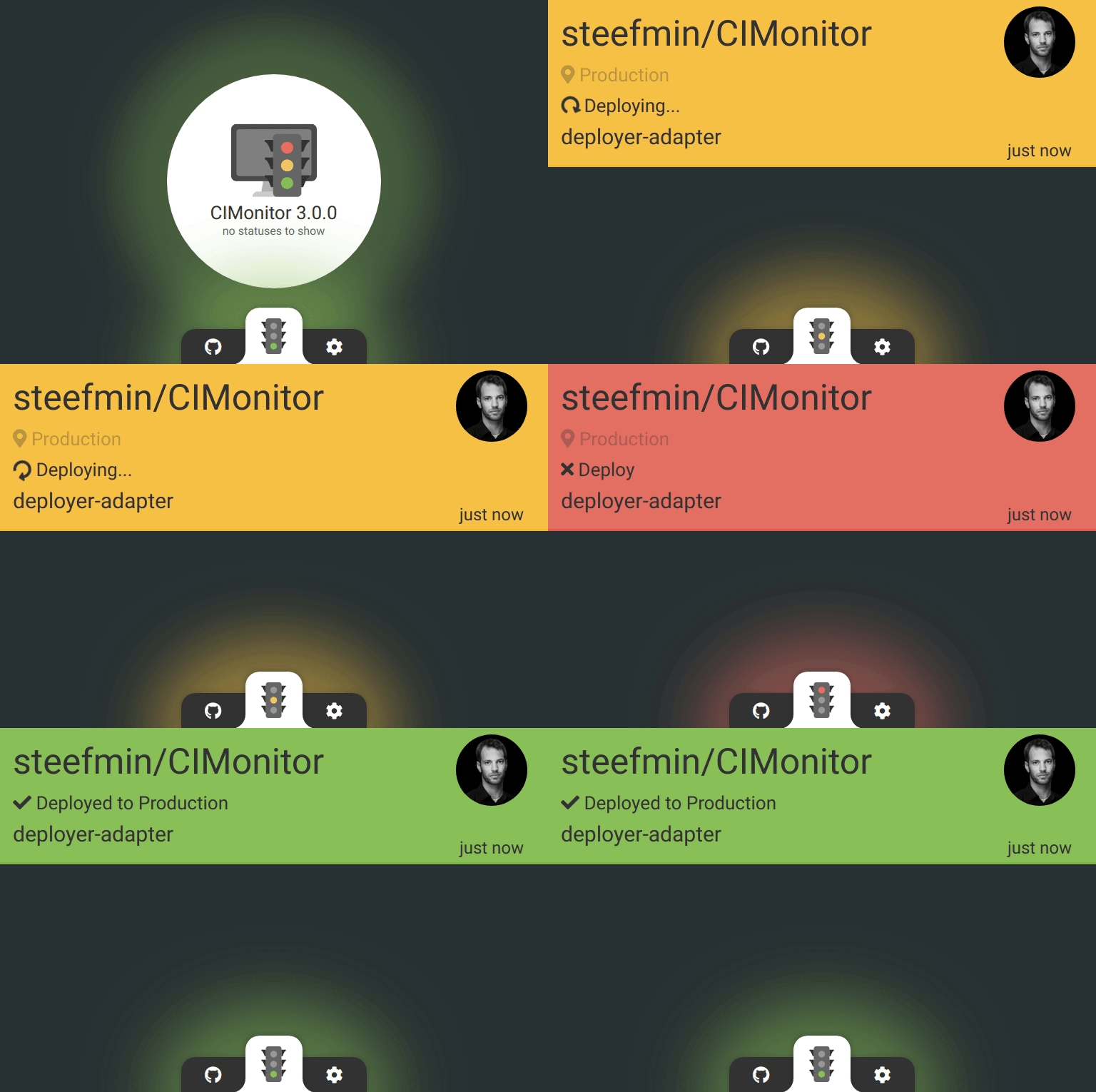
Monitor your deployments on CIMonitor.
Install recipes through composer:
composer require deployer/recipes --dev
Require cimonitor recipe in your deploy.php file:
require 'recipe/cimonitor.php';Add tasks on deploy:
before('deploy', 'cimonitor:notify');
after('success', 'cimonitor:notify:success');
after('deploy:failed', 'cimonitor:notify:failure');cimonitor_webhook– CIMonitor server webhook url, requiredset('cimonitor_webhook', 'https://cimonitor.enrise.com/webhook/deployer');cimonitor_title– the title of application, default the username\reponame combination from{{repository}}set('cimonitor_title', '');cimonitor_user– User object with name and email, default gets information fromgit configset('cimonitor_user', function () { return [ 'name' => 'John Doe', 'email' => 'john@enrise.com', ]; });
Various cimonitor statusses are set, in case you want to change these yourselves. See the CIMonitor documentation for the usages of different states.
cimonitor:notify– notify CIMonitor of starting deploymentcimonitor:notify:success– send success message to CIMonitorcimonitor:notify:failure– send failure message to CIMonitor
If you want to notify only about beginning of deployment add this line only:
before('deploy', 'cimonitor:notify');If you want to notify about successful end of deployment add this too:
after('success', 'cimonitor:notify:success');If you want to notify about failed deployment add this too:
after('deploy:failed', 'cimonitor:notify:failure');