
SAC Custom Widget for beautiful and material design notification for application
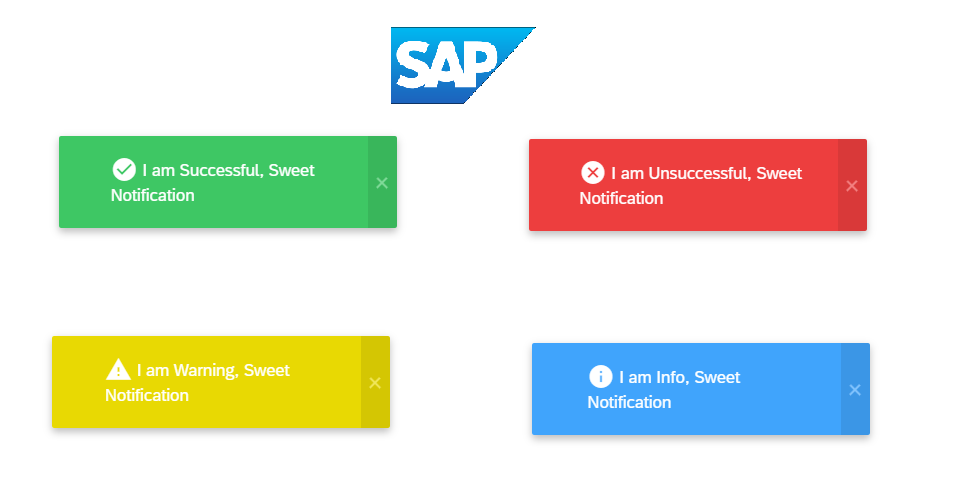
To use this widget in your SAP application, follow these steps:

- Download the
SweetNotification.jsonfile from the URLs specified in the webcomponents property of the JSON. - Go to your SAC Portal, select Analytic Application from the left side bar, and then go to the Custom Widget tab.
- Click on the + icon on the right side and select the
SweetNotification.jsonfile that you downloaded. - You're done! You can now use it in your app.
The widget has the following methods:
| Method | Parameter Type | Description |
|---|---|---|
| showSuccess(success) | string | Success Notification |
| showError(error) | string | Error Notification |
| showInfo(info) | string | Info Notification |
| showWarning(warning) | string | Warning Notification |
This widget is developed by Rohit Chouhan