🚨 This custom widget has been moved to
👉 https://github.com/SAP-Custom-Widget/ChatGPT
🛑 This repository will no longer be maintained.
✨ The new version is more powerful and offers multiple features.
✨ Try new version : https://github.com/SAP-Custom-Widget/ChatGPT ✨
✨ Try new version : https://github.com/SAP-Custom-Widget/ChatGPT ✨
✨ Try new version : https://github.com/SAP-Custom-Widget/ChatGPT ✨

ChatGPT Custom Widget for SAP Analytics Cloud
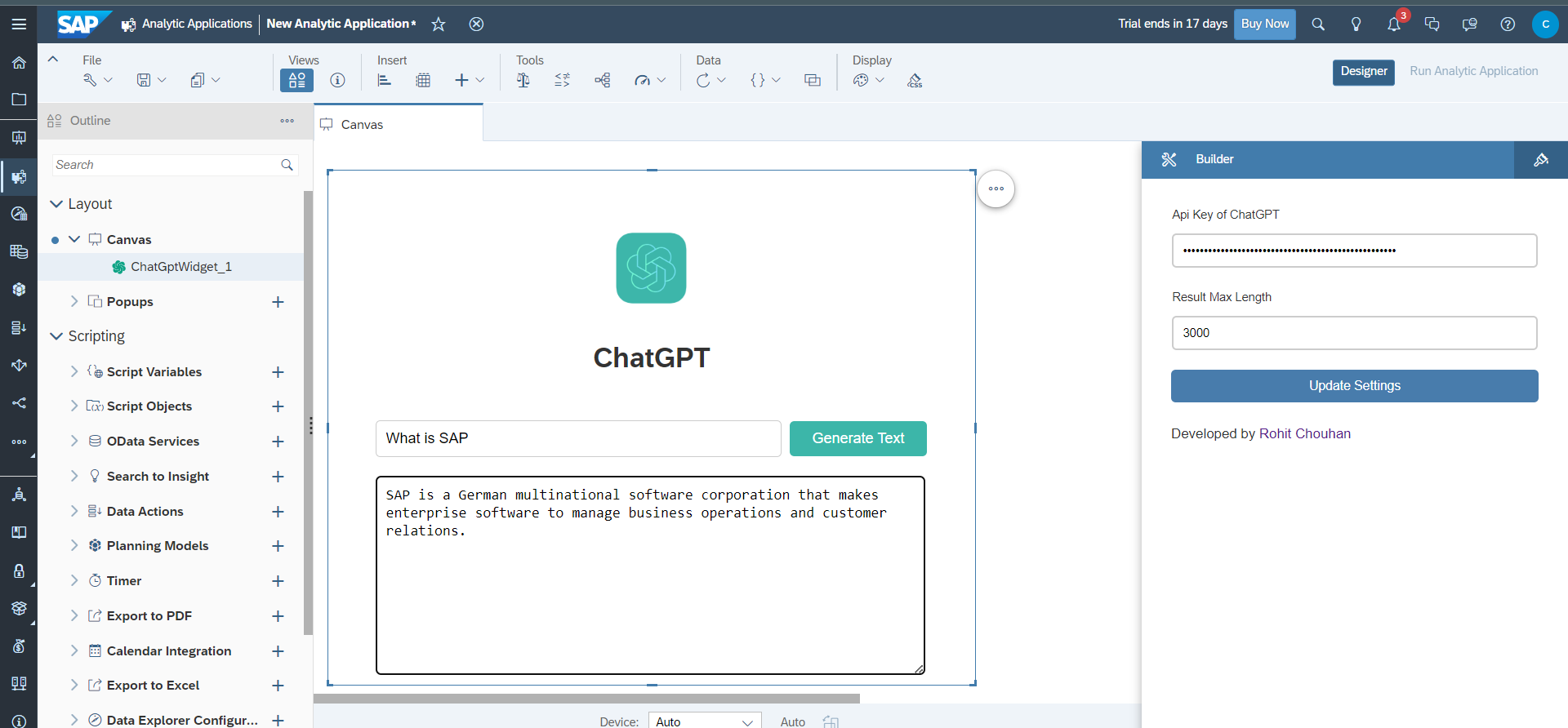
To use this widget in your SAP application, follow these steps:

- Download the
ChatGptWidget.jsonfile from the URLs specified in the webcomponents property of the JSON. - Go to your SAC Portal, select Analytic Application from the left side bar, and then go to the Custom Widget tab.
- Click on the + icon on the right side and select the
ChatGptWidget.jsonfile that you downloaded. - You're done! You can now use it in your app.
- Log into your OpenAI account on the OpenAI website.
- Click on the “View API Keys” button in the top-right corner of the page, or Click Here
- Click on the “Create an API Key” button to generate a new API key.
- Done, Now use it to Custom Widget
The widget has the following methods:
| Method | Parameter Type | Description |
|---|---|---|
| setApiKey(apiKey) | string | Set Api Key of ChatGPT |
| setMax_tokens(max_tokens) | integer | Set Result Max Length |
| Method | Return Type | Description |
|---|---|---|
| getApiKey() | string | return Api Key of ChatGPT |
| getMax_tokens() | integer | return Result Max Length |
This widget is developed by Rohit Chouhan