You can load data from files from your computer, or you can load data from a file that lives on the internet by its URL.
You can load your data files in various ways:
- by selecting "work with my data" in the Genome Explorer
- by dragging them onto GenomeView
- by selecting the 'File' menu and then 'Load data...'
- by pressing CTRL+O
- by specifying them as argument on the command-line
- by loading a session file
You can load preloaded data by:
- selecting a genome from the Genome Explorer
- following a link from a GenomeView enabled website
The type of data you load determines which track type will be used to show the data. Check the tracks overview or the data types overview for supported file formats and preparing your data for loading.
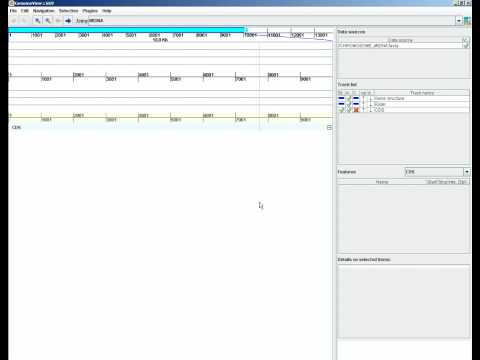
- Select menu
File/Load Dataor press CTRL+O.

- select "Open local file"
- Pick your file

Note that you can select multiple files at once.
Here you can download some demo data.
Click to play video
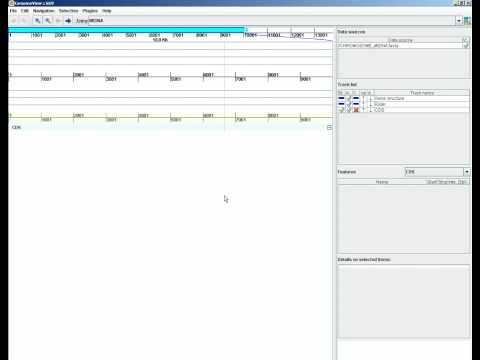
- Select menu
File/Load Data.
- select "Open URL"
- Paste your URL into the panel
- click OK
Click to play video
GenomeView supports a large number of file formats. See this page for a complete list.
GenomeView tries to limit the listed files to the supported data formats. However, there are many extensions in use and your files may be hidden. In that case, select "all files" from the drop-down list.